Performing a Point and Go
Point and GoHolding the remote horizontally, pointing in the direction you wish to travel:
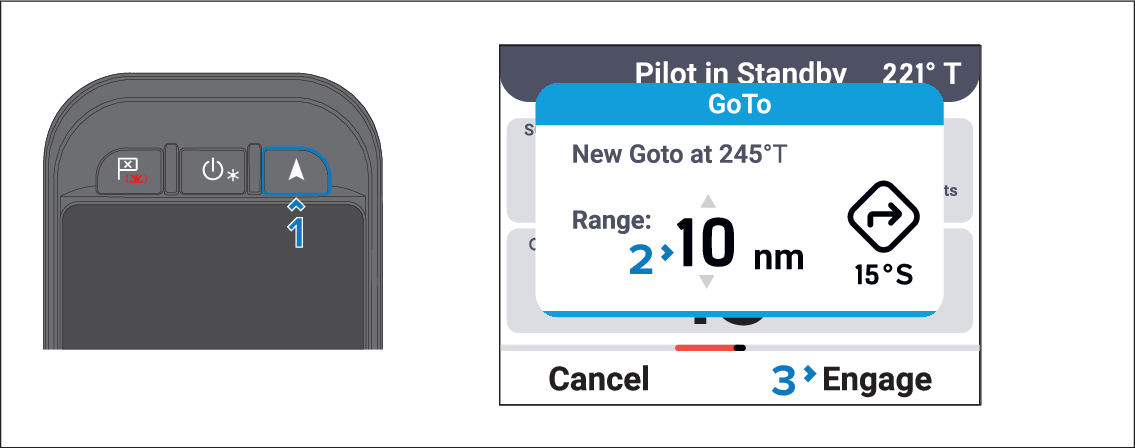
- Press the Point and Go button.
- Use the Up and Down buttons adjust the range for the Point and Go.
- Press the Engage (Right soft) button.
Active navigation will commence on the chartplotter and the autopilot will engage in Steer to Navigation mode.