Point and Go
A Point and Go can be initiated from the remote using the Point and Go button.
Point and Go
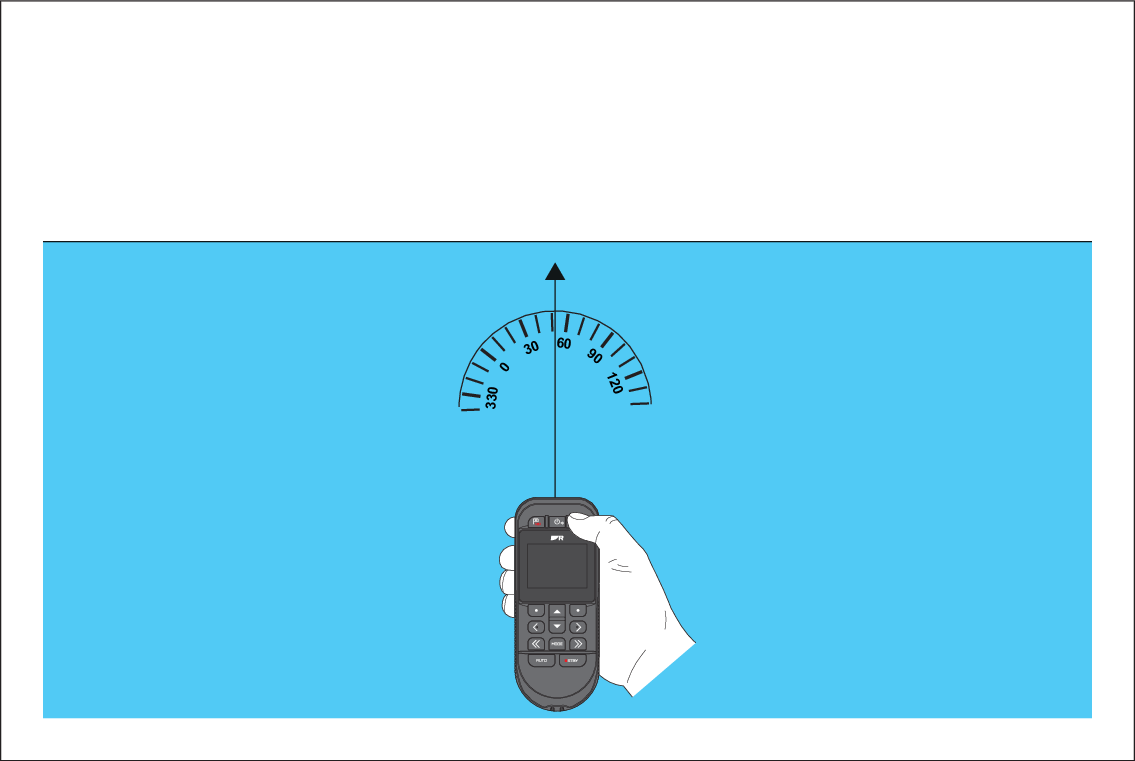
When the Point and Go button is pressed the bearing at which the remote is pointing will be used, in conjunction with a user defined Range to initiate active navigation and engage the autopilot in Steer to Navigation mode.
The Point and Go feature requires a compatible chartplotter to be connected to the system.
Note
The Point and Go feature requires the remote's internal sensors to be calibrated, If calibration has not been carried out you will be requested to do so when the Point and Go button is first pressed. For details on calibrating the compass refer to: Calibrating the internal sensors