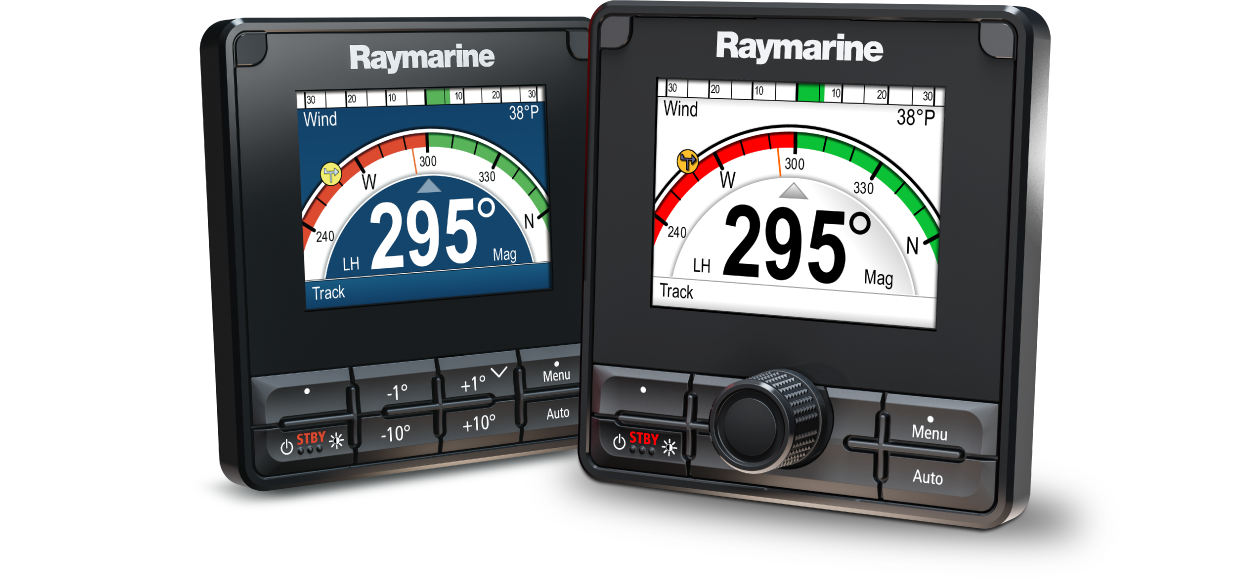
p70 / p70s / p70R / p70Rs Quick Start Guide
Let’s Go!
How to navigate this document
Legal notices
Getting started
Controls
Switching on the display
Switching off the display
Completing the set up wizard
Autopilot functions and modes
Autopilot response levels
Automatic turning
Adjusting the display’s brightness
Shared Brightness
Assigning A Network Group
Unsharing the display
Changing the color scheme
Setting the display response
Multiple data sources (MDS)
Selecting a preferred data source
Commissioning process
Autopilot modes
Auto
Maintain a permanent watch
Automatically steering to a heading
Changing course in auto mode
Disengaging the autopilot (Standby mode)
Mode menu
Patterns
Using a fishing pattern
Track mode
Using track mode
Waypoint arrival circle
Waypoint arrival
Waypoint advance warning
Arriving at a waypoint
Cross track error
Cross track error correction
Route completion
Manual course change
Leaving track mode
Wind vane mode
Using wind vane mode
Operating hints for Wind vane mode
Allow time
Major course changes
Accidental gybes
Adjusting the locked wind angle
Leaving Wind vane mode
Wind Shift Alarm
Enabling or disabling the Wind Shift alarm
Responding to the wind shift warning
Using AutoTack in Wind Vane mode
Power steer
Engaging power steer mode
Jog steer (tiller pilots only)
Using jog steer (tiller drives only)
Shortcut key
Assigning the shortcut key
Pilot views
Available pilot views
Graphic view
Large view
Standard view
Multiple view
2D View
Setting the default pilot view
Setting up data boxes
Data items