Adjusting the camera view
The camera viewing angle can be adjusted.
Pre-requites:
The camera must be installed and connected to a chartplotter, or device with a web browser so the video feed can be viewed. Refer to the relevant Connections chapter(s) for information about camera connections.
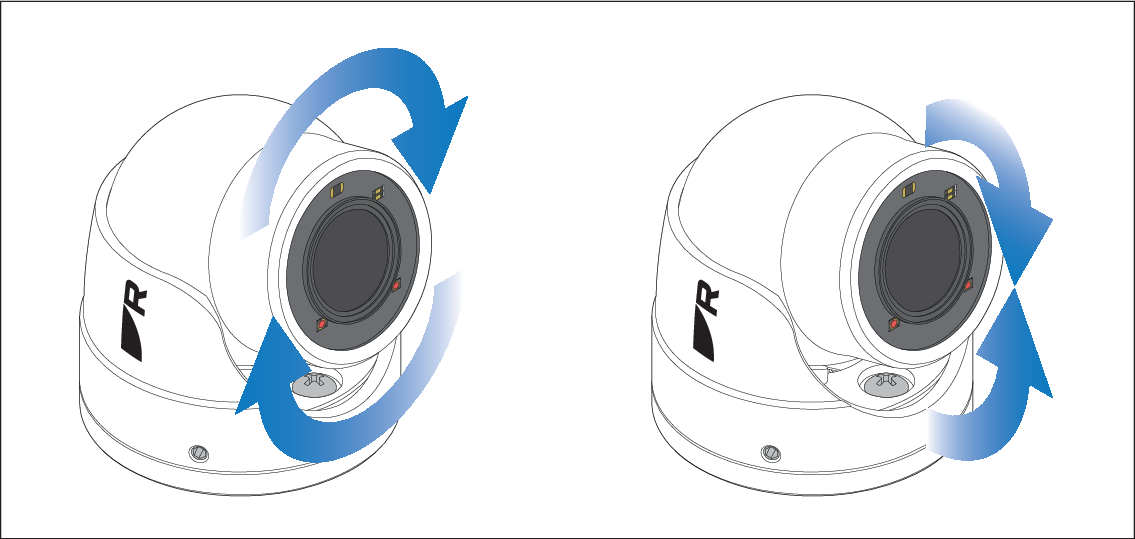
- Power up the system and check the camera’s video feed in the chartplotter’s Video app, or via the camera’s web interface.
- If the image is not level, or is aimed too high or too low, adjust the camera ball by hand as required.
- If required, you can loosen the 3 x grub screws a couple of turns to provide greater range of adjustment.
Note
If you loosened the grub screws don’t forget to retighten them.
The Augmented Reality feature requires further setup and calibration from within the chartplotter’s Video app.