Automatic turning
If Automatic turning is configured on your chartplotter, the autopilot will automatically turn to the next waypoint when following a route in Steer to Navigation mode, once the vessel reaches the distance specified in the chartplotter’s Arrival Radius (pilot in track mode) setting.
Automatic turning is not available when the chartplotter has been configured with the “Sailing” boating activity.
For details on configuring Automatic turning refer to the LightHouse 4 Operation instructions (Document number 81406).
Steer to NavigationAutomatic turningAutomatic turningA notification is displayed informing you that Automatic turning will commence.
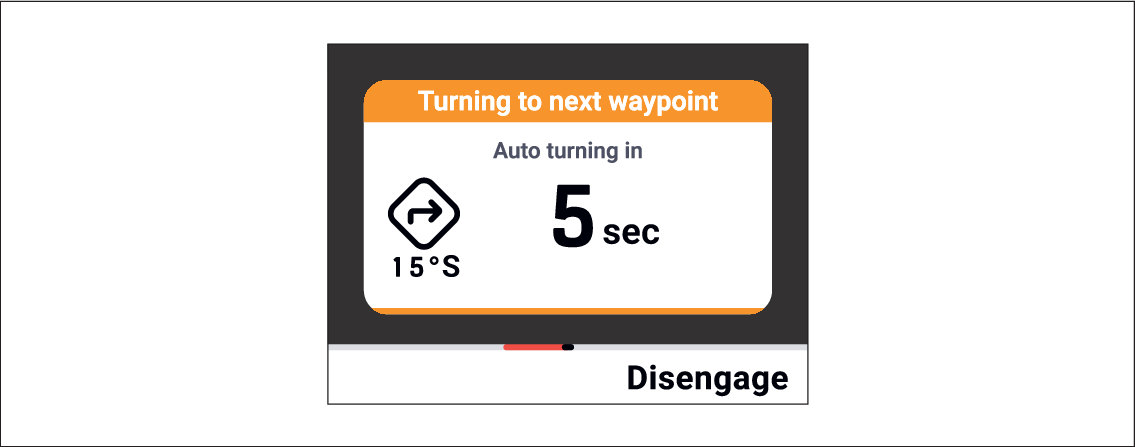
The notification includes a countdown. When the countdown reaches zero the vessel will turn.
If you do not want the vessel to turn select the Disengage (Right soft) button to resume manual steering.