Waypoint rounding (leave to) widget
The Waypoint rounding (leave to) graphical widget option provides a visual indicator for the rounding direction that has been assigned to your current waypoint via your multifunction display / chartplotter.
A rounding direction can be assigned to each of your multifunction display / chartplotter waypoints by navigating to: .
Example: Waypoint rounding (leave to)
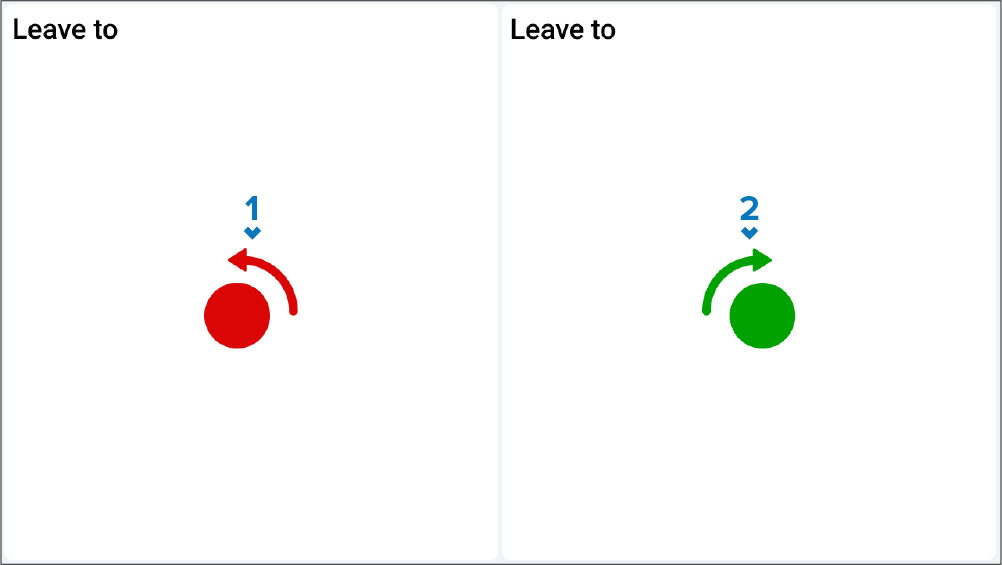
Waypoint rounding indicator (port) — Indicates that the boat must leave the mark to port.
Waypoint rounding indicator (starboard) — Indicates that the boat must leave the mark to starboard.