Tutorial pages
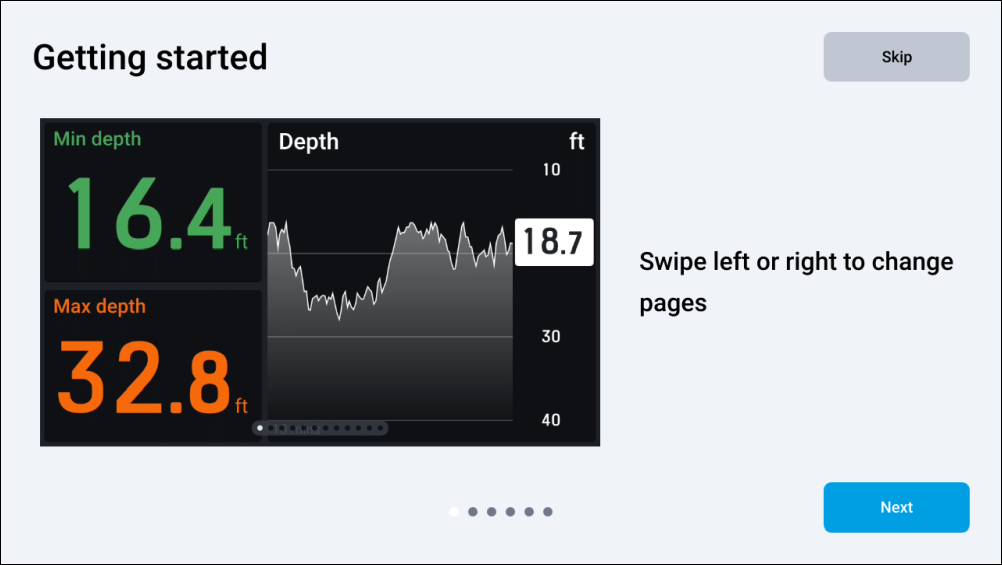
When your performance display is switched on for the first time, or, if a factory reset has just occurred, a series of tutorial pages will appear:
Getting startedTutorial pagesTutorial pages
To complete the tutorial:
Proceed with the tutorial by selecting the Next button located at the bottom right of your screen, until you reach the end of the tutorial.
Optionally, you may skip the tutorial by selecting the Skip button now, or at any point once the tutorial has been started.
If you want to return to the previous step, select the Back button located at the bottom left of your screen.
Select the Done button to finish the tutorial.
Once complete, a series of default data pages is displayed.