Language selection
When your performance display is switched on for the first time, or, if a factory reset has just occurred, a language selection screen will appear if no multifunction display / chartplotter is detected by your performance display:
Getting startedLanguage selectionLanguage selection
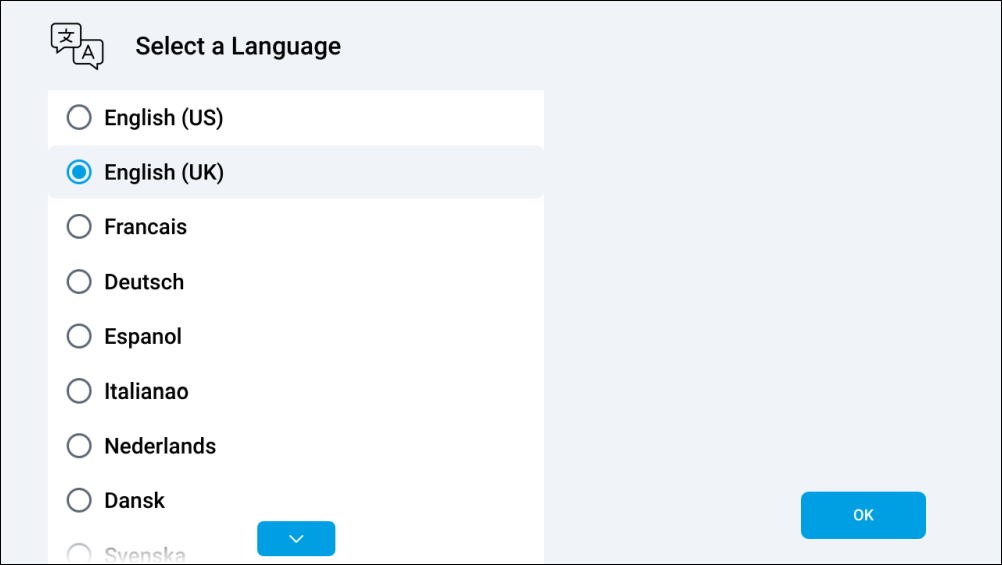
To select a language:
(If required) scroll to find the language that you wish to use, tap the language to select it, and then select OK to continue.
Once OK has been selected, a series of tutorial pages will appear.
For a list of supported languages, refer to: Language settings