Daytime color settings
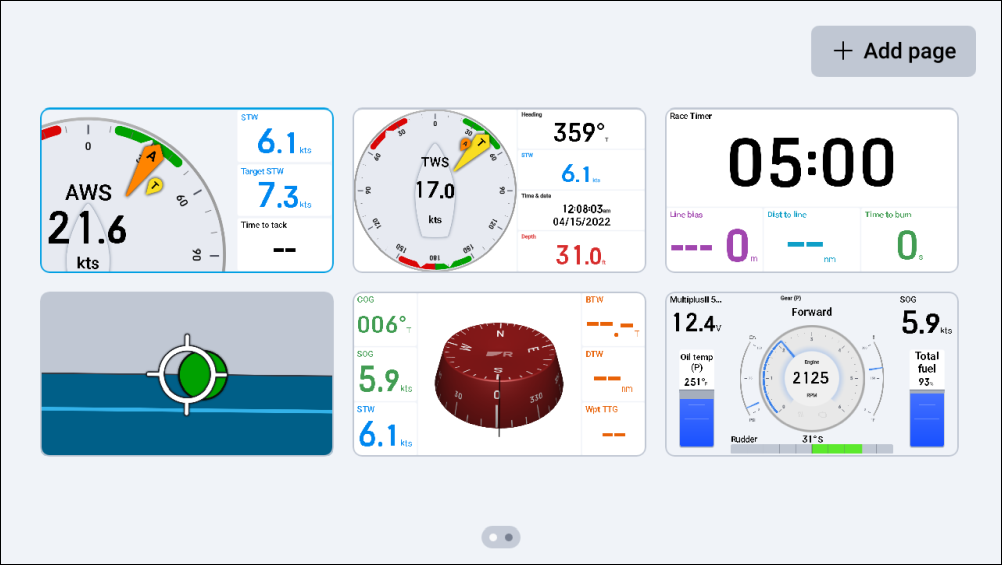
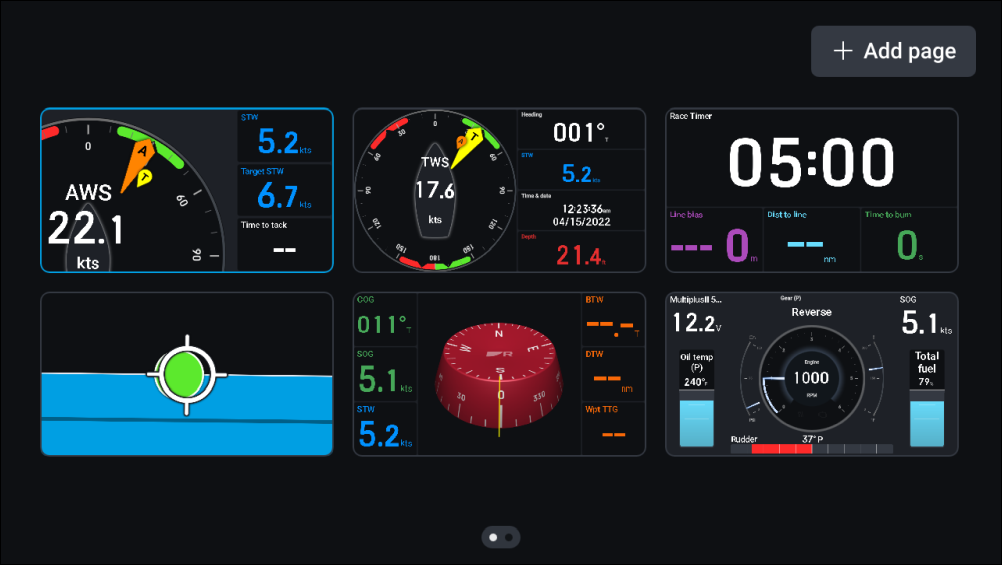
By default, your performance display is set to show a Light color scheme when the Color mode (Day) setting is in use. Alternatively, if preferred, this color scheme can be changed to a Dark mode.
SettingsDaytime color
To configure your daytime color scheme:
Navigate to .
Select between Light (default) and Dark.
Light mode (default) |
Dark mode |
|---|---|
 |
 |