YachtSense Link router alarms
If your system includes a YachtSense™ Link router then you can enable and disable the router’s alarms (alert notifications) from the alarms manager.
Alarms YachtSense Link routerThe following alarms are available:
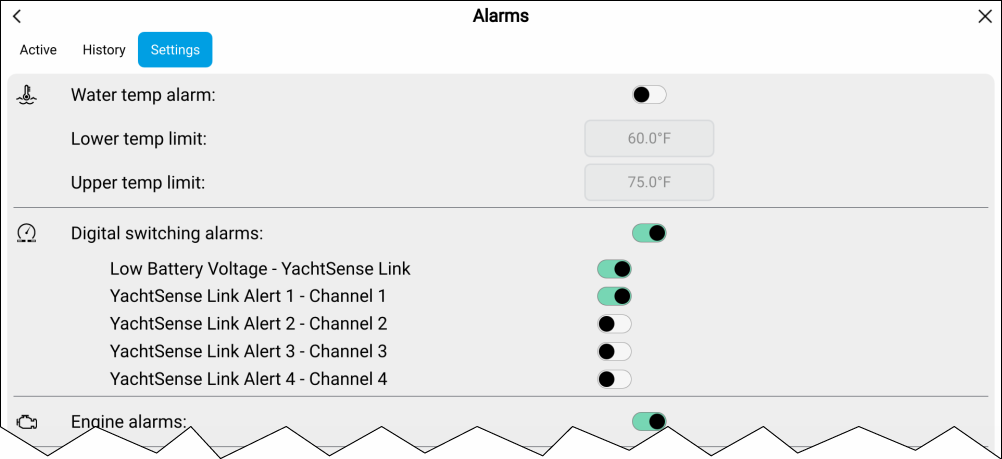
Low Battery Voltage – YachtSense Link — An alarm will be triggered when the supply voltage to the router drops below a specified level.
YachtSense Link alert 1 – Channel 1 — An alarm will be triggered when the router’s input channel 1 is above or below a specified value.
YachtSense Link alert 2 – Channel 2 — An alarm will be triggered when the router’s input channel 2 is above or below a specified value.
YachtSense Link alert 3 – Channel 3 — An alarm will be triggered when the router’s input channel 3 is above or below a specified value.
YachtSense Link alert 4 – Channel 4 — An alarm will be triggered when the router’s input channel 4 is above or below a specified value.
The YachtSense™ Link alarms values are configured from the router’s Alert notifications web interface page which can be accessed by selecting YachtSense Link from the Homescreen status area and then selecting .