Weather radar layer
With the weather radar layer enabled a color coded radar image is displayed. This image shows a complete view of any precipitation across North America, including the type and intensity. Rain, mixed and snow use different color scales to identify intensity. A legend is available that can be displayed onscreen to aid identification of intensity. The images are displayed as pixels on screen and the resolution of this feature is 2 km per pixel. Coverage includes the Continental US, Canada, and portions of Mexico/Caribbean.
Weather mode Weather radar layer
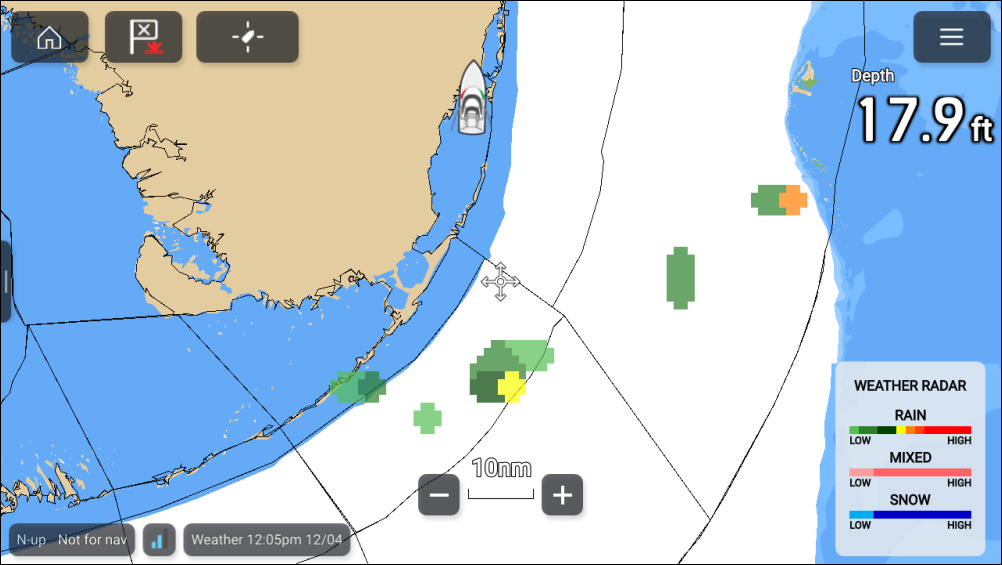
The legend can be enabled from the main menu: .
The weather radar layer can be enabled and disabled from the Weather layers menu: .
When the weather radar layer is enabled the transparency of the layer can be adjusted using the Visibility setting: .