Target vector settings
Target vectors show the predicted future path of the target.
Target vector settings can be accessed from the Targets setting menu: .
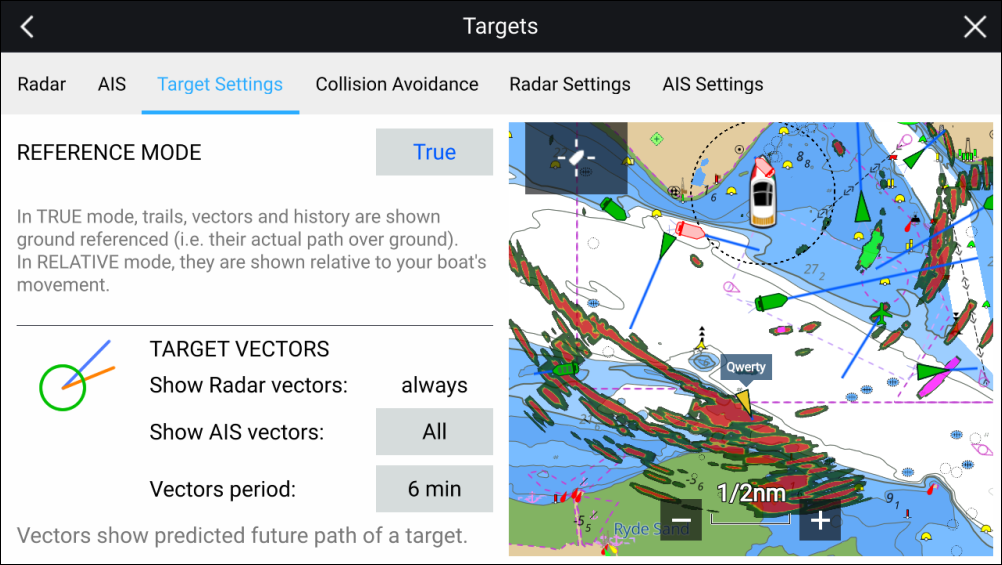
The reference mode for vectors can be set to True or Relative.
In True reference mode, trails, vectors and history are shown ground referenced (i.e. their actual path over ground).
In Relative reference mode, trails, vectors and history are shown relative to your vessel’s movement.
Vectors are always displayed for Radar targets. Vectors for AIS targets can be set using the Show AIS vectors option. The available options are:
All — vectors are displayed for all AIS targets.
Manual — vectors only displayed when enabled individually for each target using the target context menu.
The length of the vector identifies where the target will be after the time specified in Vector period has passed.