Setting a depth offset
You can set the point depth readings are taken from.
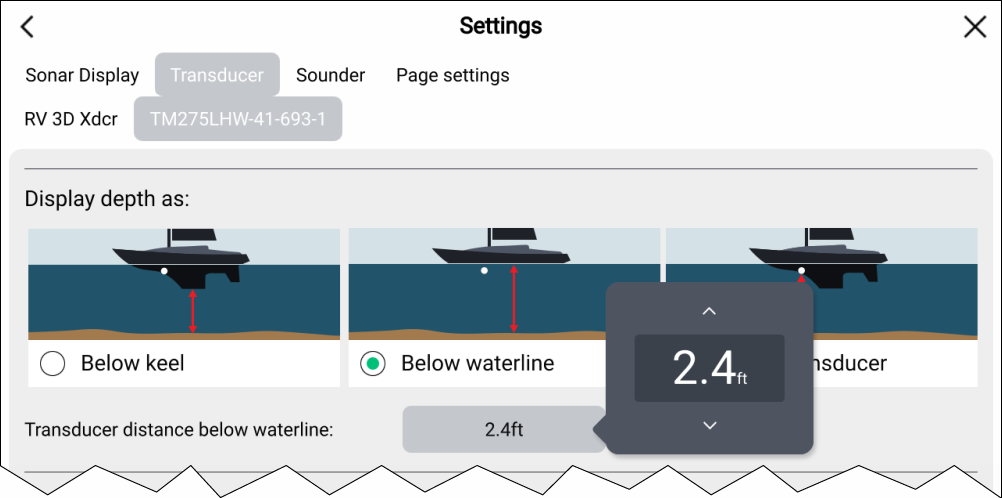
- Open the Fishfinder app.
- Open the Transducer settings menu: .
- If you have more than 1 sonar transducer installed, then you will need to select the relevant transducer.
- Select either Below keel, Below
waterline, or Below transducer as required.
- If you have selected Below keel enter your transducer’s distance above the lowest point of your keel in the offset field.
- If you have selected Below waterline enter your transducer’s distance below the waterline in the offset field.