Selecting a video feed
For cameras that have more than 1 payload (video feed), you can select which feed is displayed.
Video appFeed selectionThe available options are dependent on the connected camera.
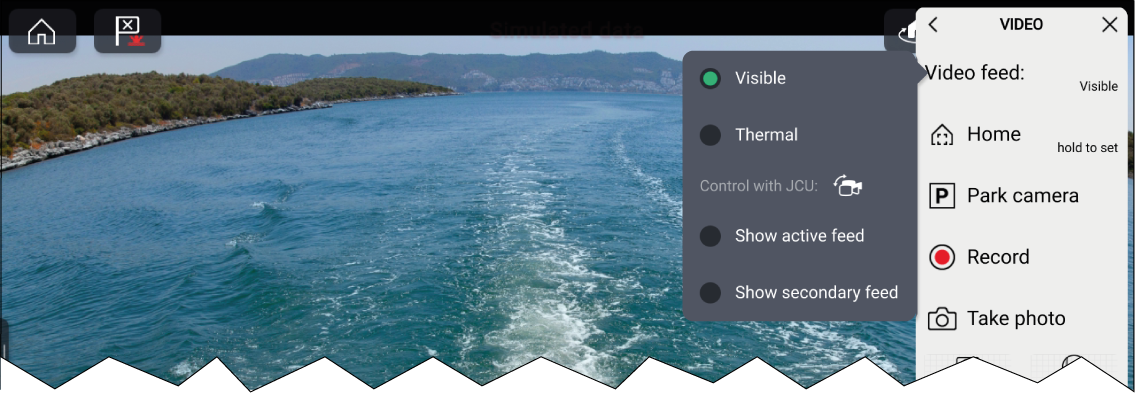
From the Video app:
For cameras that have more than 1 payload (video feed), you can select which feed is displayed.
Video appFeed selectionThe available options are dependent on the connected camera.
From the Video app: