On systems with 2 Radar scanners, you can select which
Radar scanner is used in each instance of the Radar app.
RadarSelecting a scanner
Select the Settings (“cogs”) icon from
the Radar app menu.
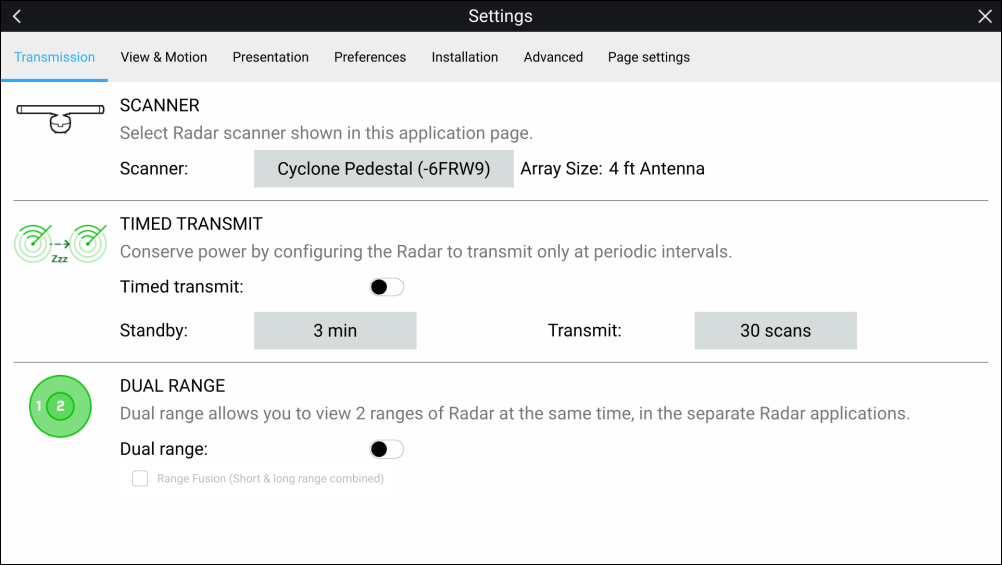
Select the Scanner: box on the Transmission tab.
A list of available Radar scanners is displayed.
Select the Radar scanner that you want to associate with
the current instance of the Radar app.
Close the Settings page.
The current instance of the Radar app will change to display
the selected Radar scanner. Radar scanner selection shall persist
over a power cycle.Alternatively, with the Radar powered off or in Standby,
you can select switch Radar scanner by selecting Change scanner.