Searching a PDF
You can search a PDF document for a word or phrase using the Find function.
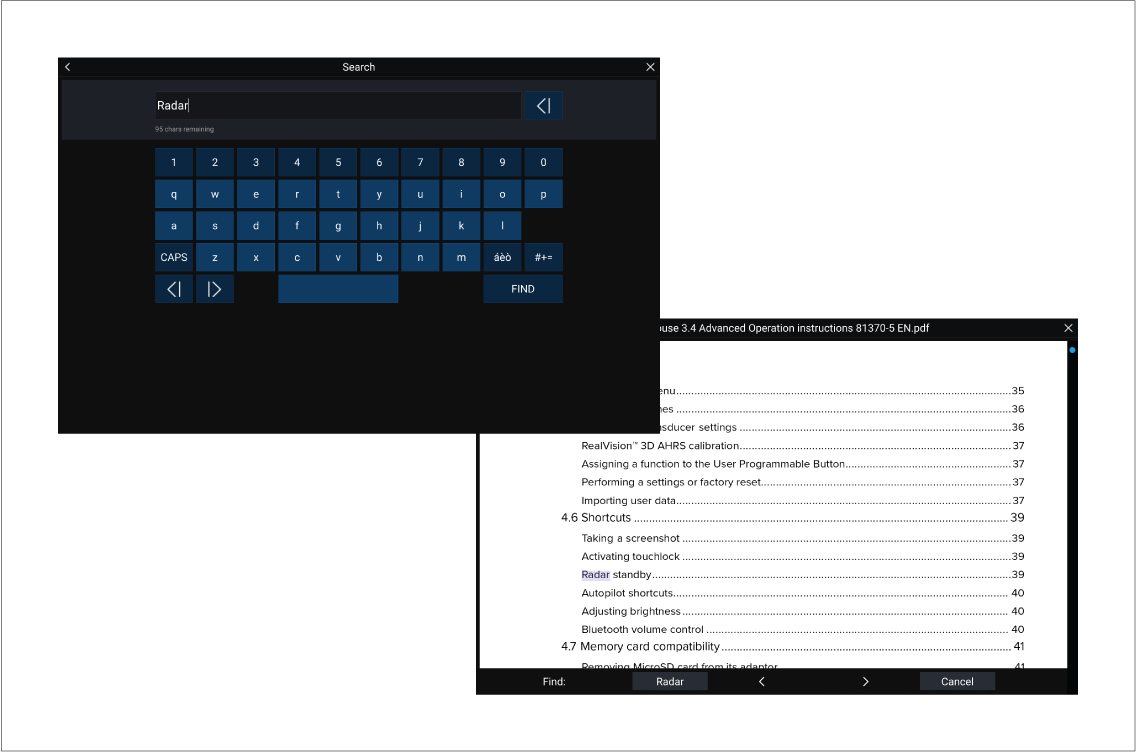
With the PDF displayed in the viewer:
PDF ViewerSearching a PDF
- Select Find.
- Enter the word or search term.
- Select FIND.
You can search a PDF document for a word or phrase using the Find function.
With the PDF displayed in the viewer:
PDF ViewerSearching a PDF