RealBathy depth contours
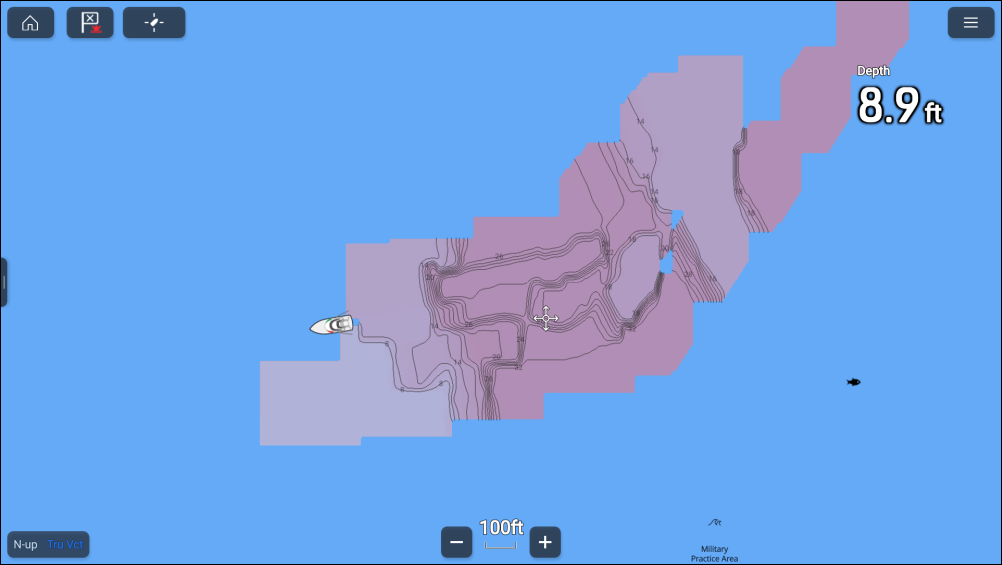
Raymarine’s RealBathy™ feature allows you to record bathymetry data and create your own depth contours.
Depth recordingRealBathyChart app RealBathy
When using the RealBathy™ feature, new contour lines are drawn in realtime on the screen based on your transducer’s depth readings. Color shading is used to reflect contour depths. The bathymetry data is recorded to the inserted memory card.
RealBathy™ requirements
RealBathy™ requires the following:
LightHouse Charts.
MicroSD card with sufficient free space to record the bathymetry data.
Distance between waterline and your transducer (item 3 in the below illustration).
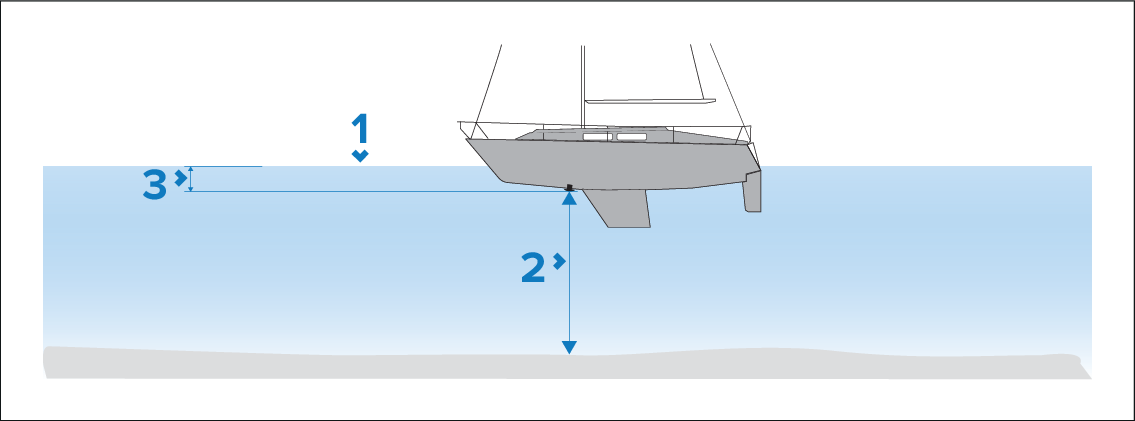
Waterline.
Water depth below transducer face.
Distance above the bottom face of your depth transducer to the waterline.