Pan and Tilt camera calibration
Pan and Tilt cameras require calibration for Augmented Reality to function correctly.
- For first time setup, either:
- Select Enter details from the notification when the Video app is opened.
- Select Enter details from the ClearCruise settings menu: .
- Select Configure from the Camera setup settings menu: .
The Camera installation details page is displayed.
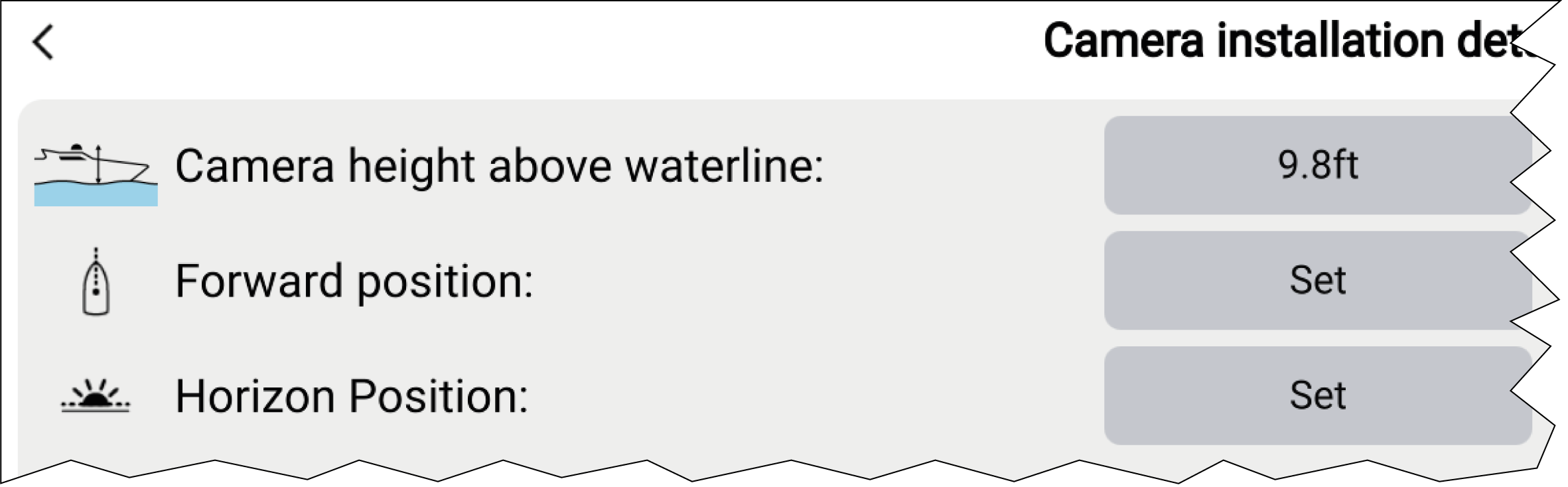
- Select the Set button for Forward
position.
The Set forward position page is displayed.
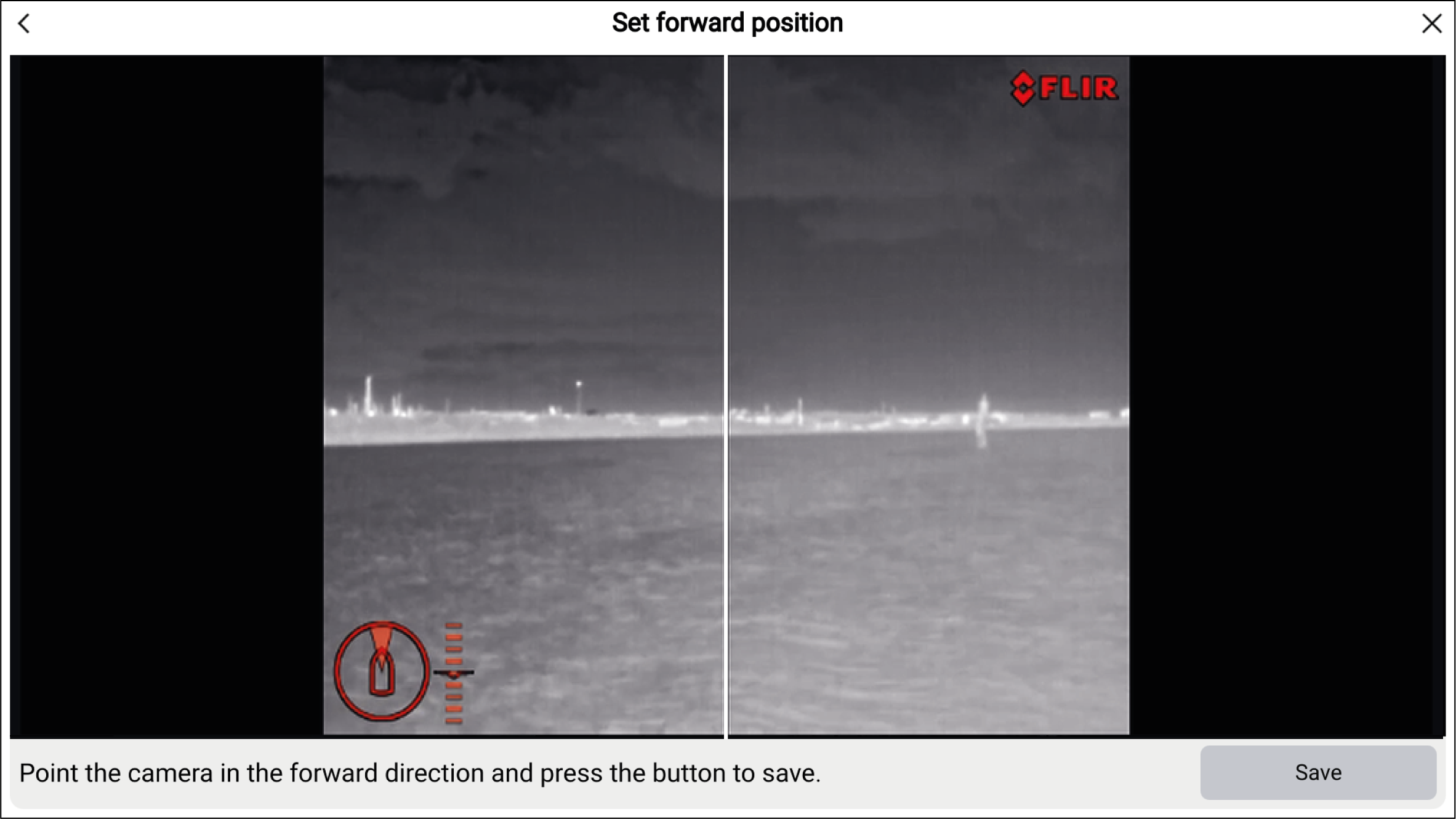
- Use the touchscreen to adjust the camera’s direction so
that the vertical line is positioned directly forward, parallel to
your vessel’s forward position.
 Important
Calibrating the camera’s forward position is essential for accurate Augmented Reality overlay when the camera pans and tilts. Calibrating on calm water and with a clear view of the front of your vessel is recommended.
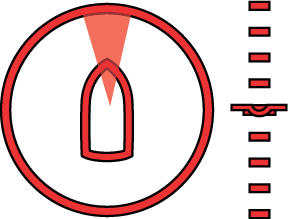
Certain cameras display a camera direction indicator, which can help identify when the camera is facing directly forward.
- Select Horizon position.
The Calibrate horizon (1 of 2) page is displayed.
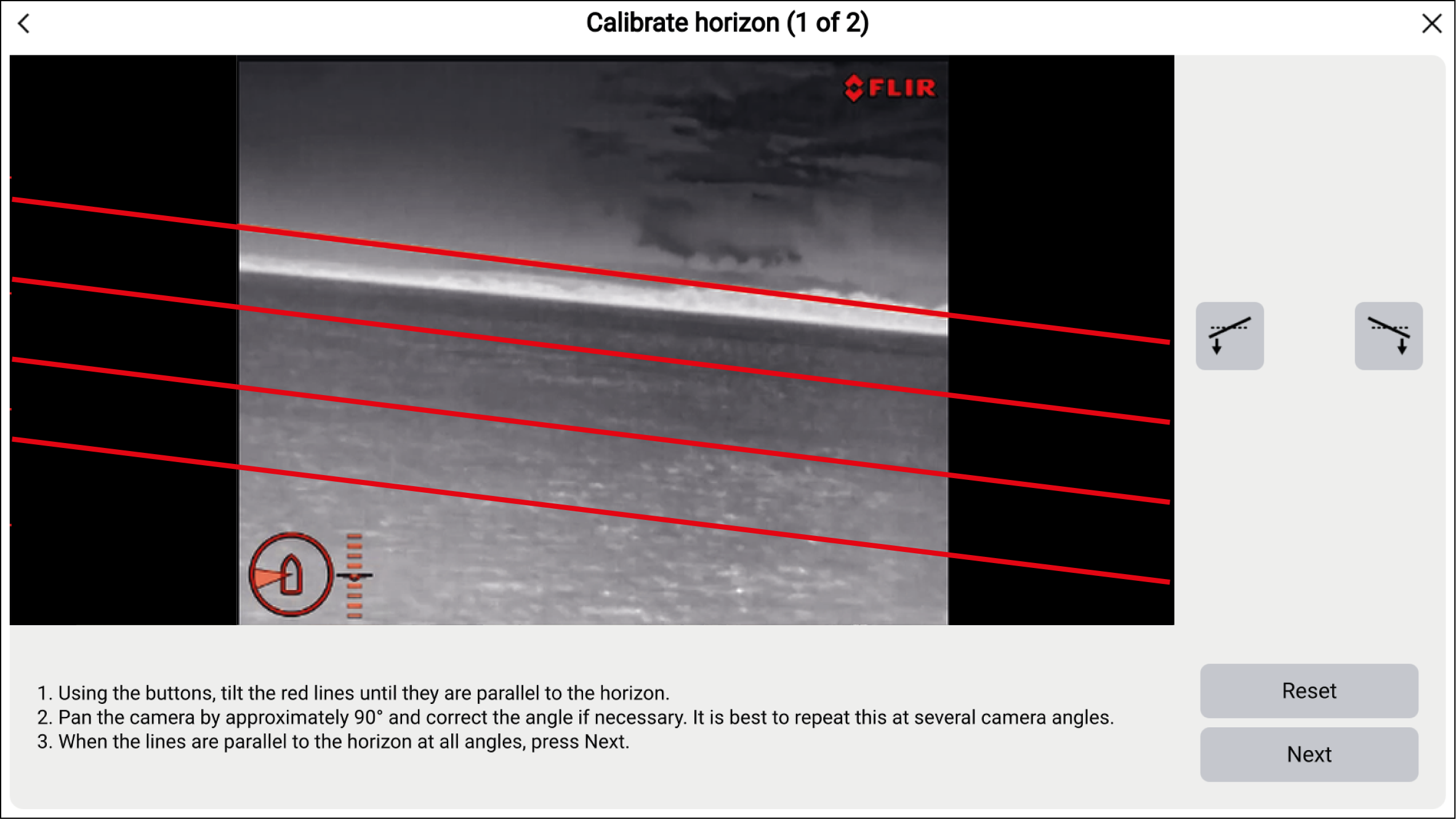
- Select Next.
The Calibrate horizon (2 of 2) page is displayed.
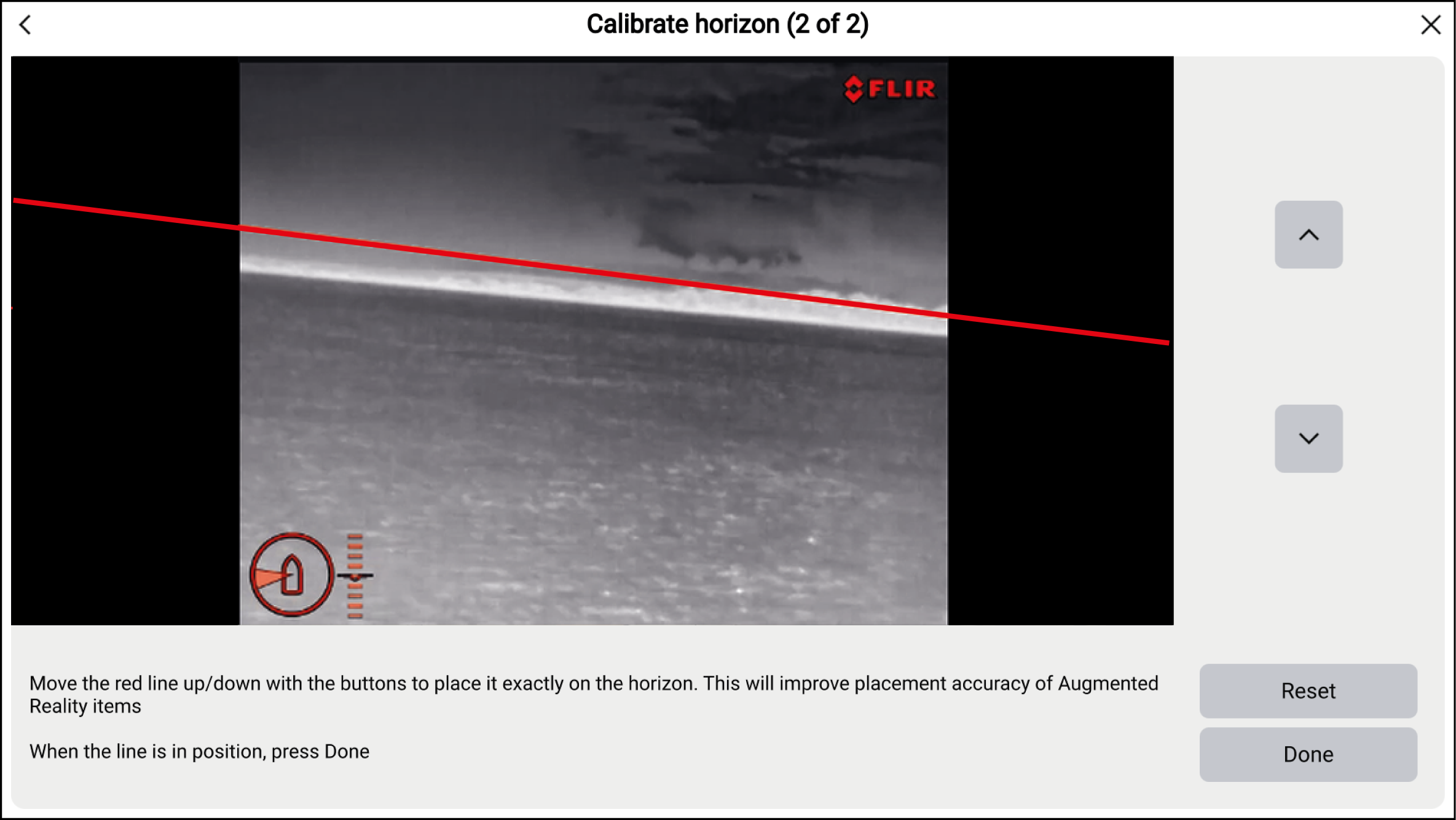
Important
Calibrating the horizon correctly is essential for accurate Augmented Reality overlay. Calibrating on calm water and in clear sight of the horizon is recommended.