Inserting a MicroSD card — Axiom and Axiom+
Axiom and Axiom+ chartplotters have a single slot MicroSD card reader located on the rear of the unit.
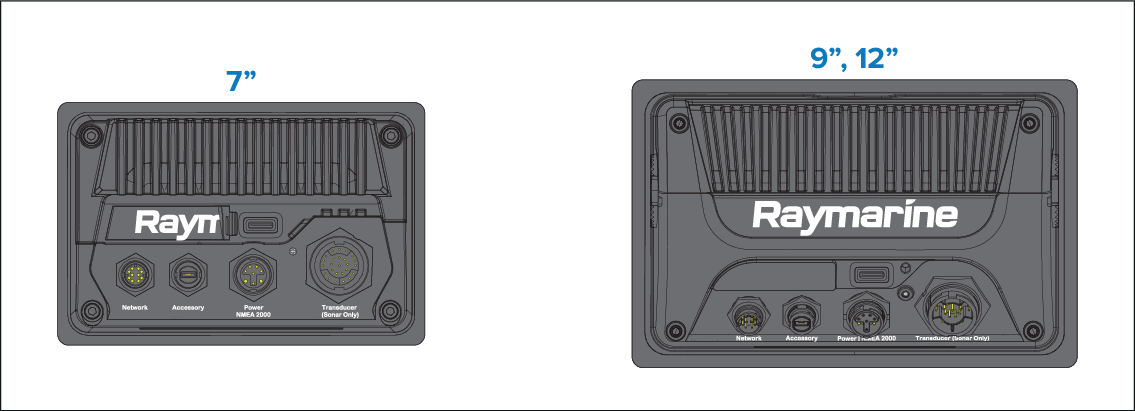
- Pull back the microSD card reader cover as shown above.
- Insert your microSD card with the contacts facing down.
- Close the cover and ensure it is seated correctly.