IP device user interface access
The user interface of connected, supported IP (Internet Protocol) devices (such as IP cameras) can be accessed from the MFD.
IP deviceThe IP device’s user interface is accessed from the Network settings menu: .
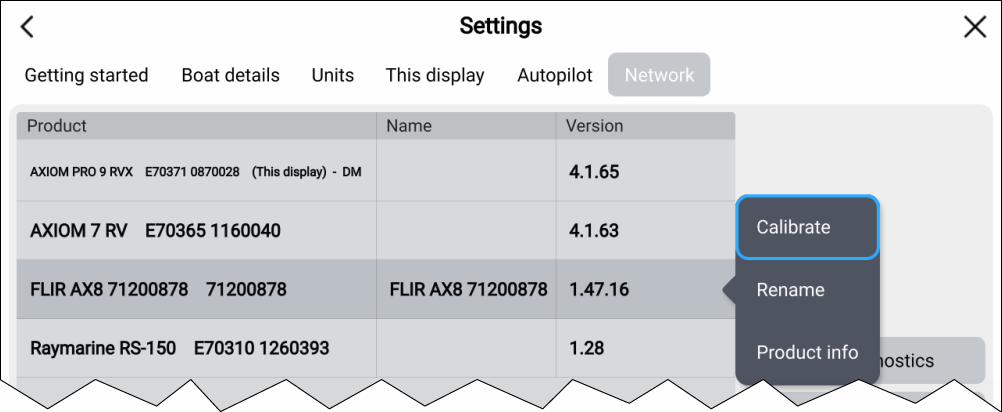
Select the device from the list to display the pop-over menu, and then select Calibrate.