Disengage the autopilot (Standby)
The autopilot can be disengaged i.e.: put into Standby mode at any time.
Mercury Autopilot standby
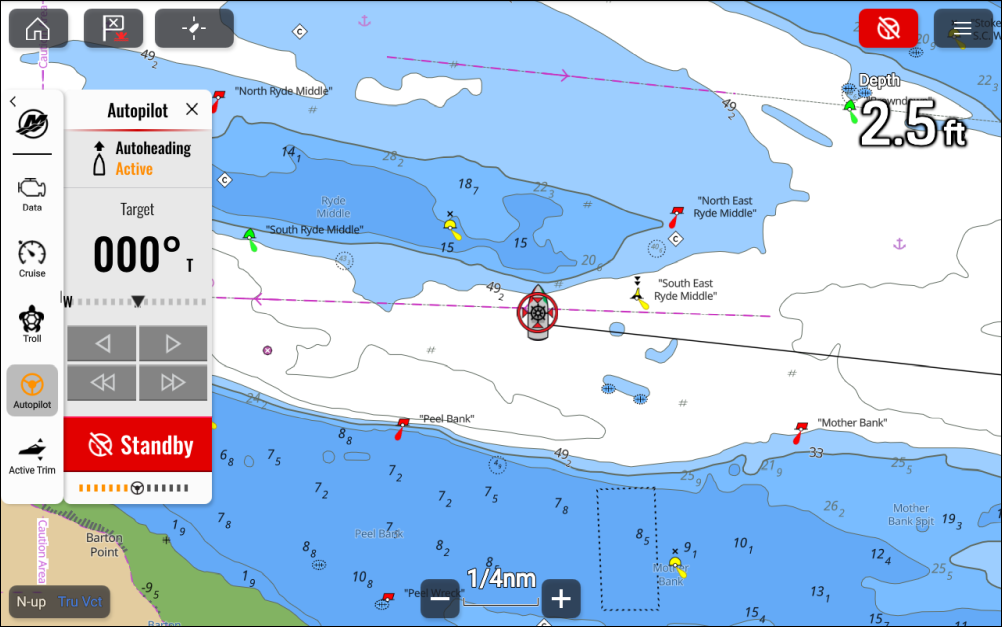
Figure 1. Sidebar and app screen
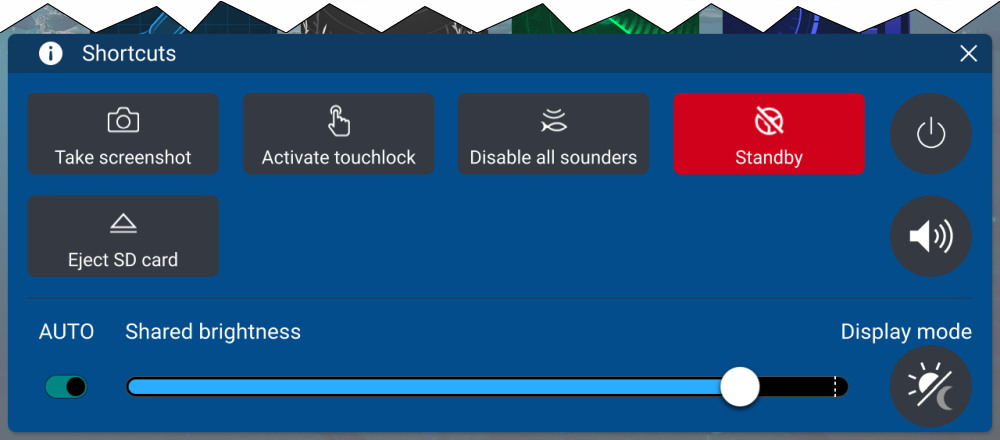
Figure 2. Shortcuts menu
The autopilot can be placed in Standby by:
selecting the red Autopilot icon located on the top right of the screen and then selecting Standby.
selecting the Standby button from the Autopilot sidebar and then selecting Standby.
selecting the Standby icon from the Shortcuts menu.
pressing the physical Standby on an Axiom® 2 Pro display or pressing the physical STBY (Auto) button on an Axiom® Pro display or RMK remote.