Disable sync
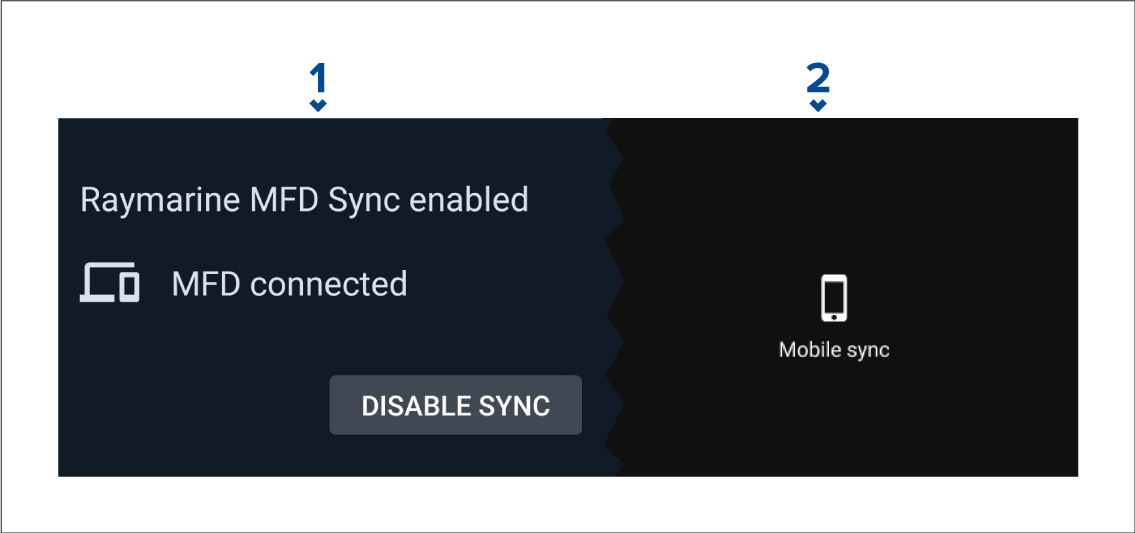
You can disable Fishidy sync from the Fishidy app or your MFD.
- Fishidy app
- Access the Raymarine Sync menu and select Disable Sync.
- MFD
- Access the My Data page, select Mobile sync and select Disable sync.
You can disable Fishidy sync from the Fishidy app or your MFD.