Cursor Range and Bearing info box
When the chartplotter is configured using the First responder activity, the Range and Bearing to the cursor’s location can be viewed dynamically in the Chart app.
The Location info box is displayed when the cursor is placed on an area of the screen that does not include a charted object or target. The cursor Location info box can be configured to update dynamically while the cursor is being moved.
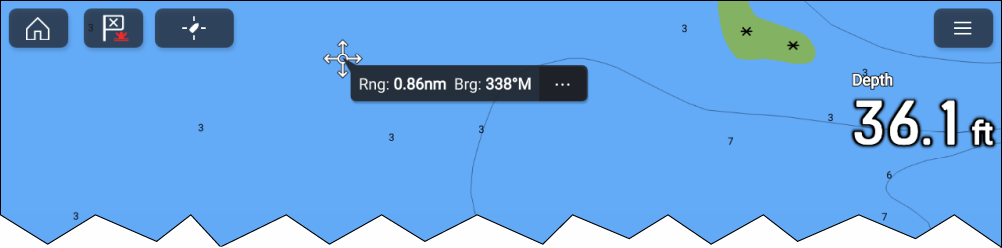
To enable dynamic updates, tick the Always show Range/Bearing at cursor check box located in the Advanced settings menu.