Changing the Chart app's orientation mode
You can change the Chart app’s Orientation mode at any time.
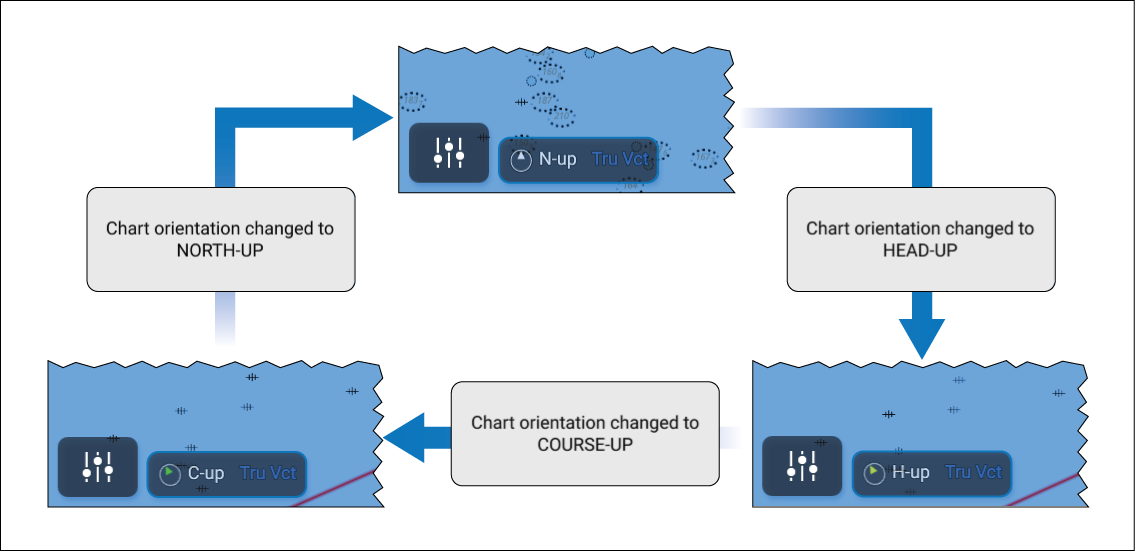
Select the onscreen north indicator icon to cycle through
the available Orientation modes.
Orientation mode can also be changed from the View & Motion settings menu: .