Changing the camera icon
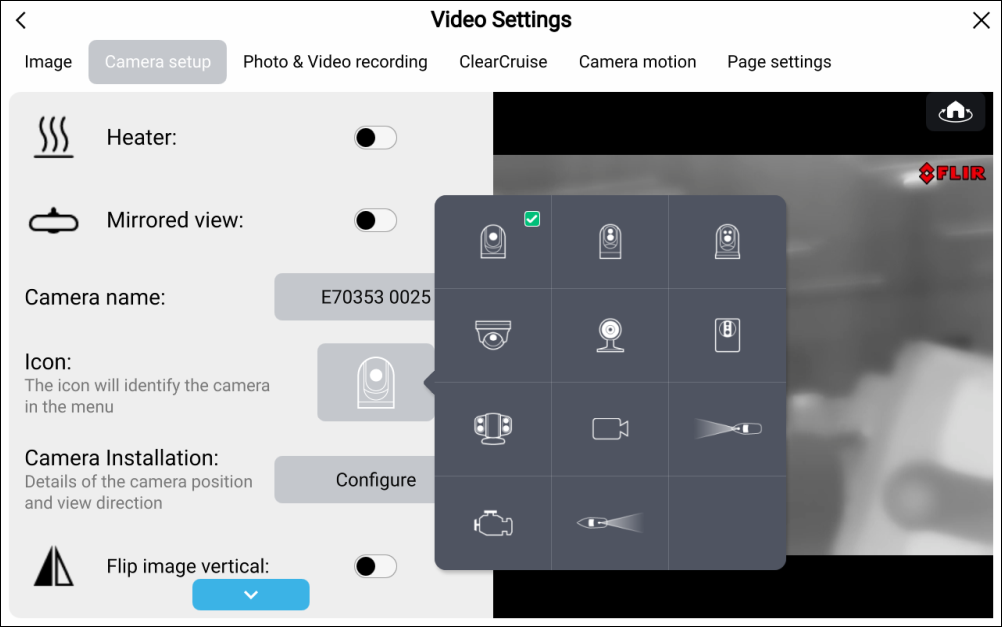
The icon used for a camera in the settings menu and on the Homescreen, when the Homescreen icon setting is set to Mode icons can be changed.
- Select the Menu icon located in the top right corner of the Video app.
- Select the Settings icon.
- Select the Camera setup tab.
- Select the current Icon.
- Select a new icon from the available icons.