Opening PDF files
When opened, the PDF Viewer app allows you to browse PDF files available on your external storage device(s).
PDF ViewerOpening files
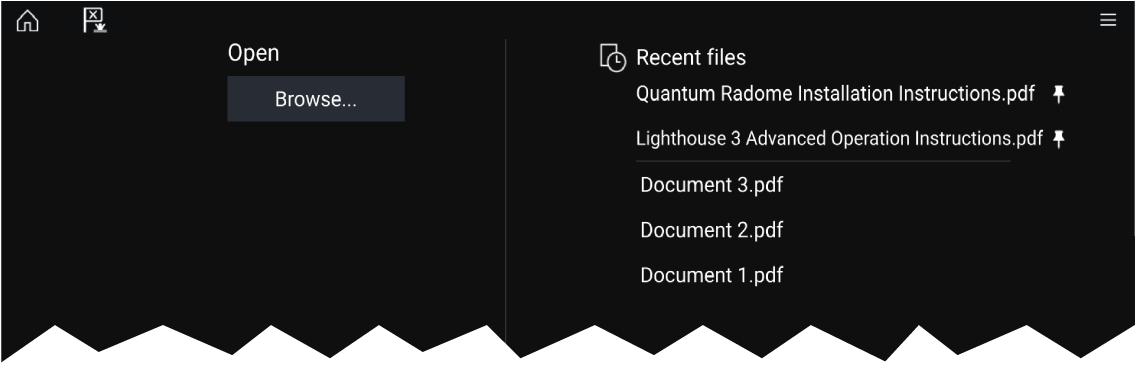
Select Browse to open a PDF file.
Recently-viewed files are displayed on the right-hand side of the initial app start screen, for quick access. These files can be opened, pinned to the top of the list, or removed from the list.
To access these options, long-hold touch on a filename to display the context menu.
Note
Recent files cannot be opened if the files are deleted or the external storage device is removed.
A maximum of 15 of the most recent files can be shown in the pinned and unpinned recent files list.