Blank sectors
Blank sectors can be manually set to hide specific sections of your radar display.
This feature is useful for vessels that experience false radar readings from onboard structures or equipment.
As blanking also physically disables the scanner’s transmitter for the sector that you define, this feature is also useful for protecting crew members from radar radio frequency emissions when they are in close proximity to the radar antenna. One example of this scenario is when the helm is within the beamwidth of the radar antenna.
Sector blanking is only available with Cyclone solid state open array, Magnum™ Open Array and Quantum™ 2 Doppler running Radar software version 2.46 or above.
RadarBlank sectors
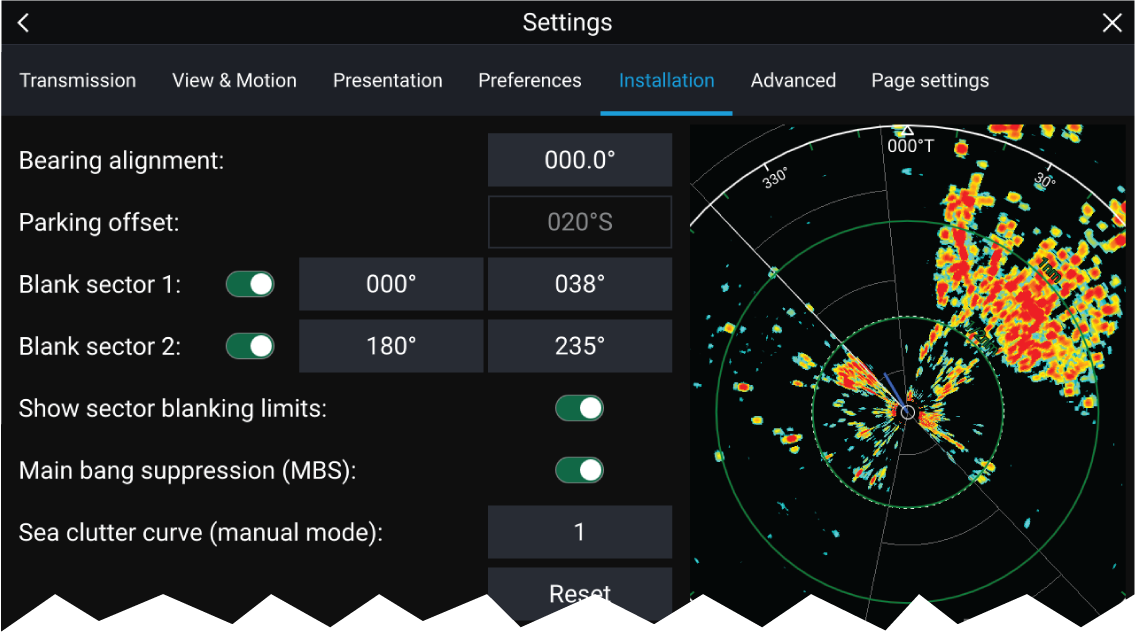
Blank sectors can be enabled from the Radar app settings:
Two blank sectors can be enabled. You can edit the minimum and maximum limits of each blank sector; this will determine how much of the radar display is hidden.
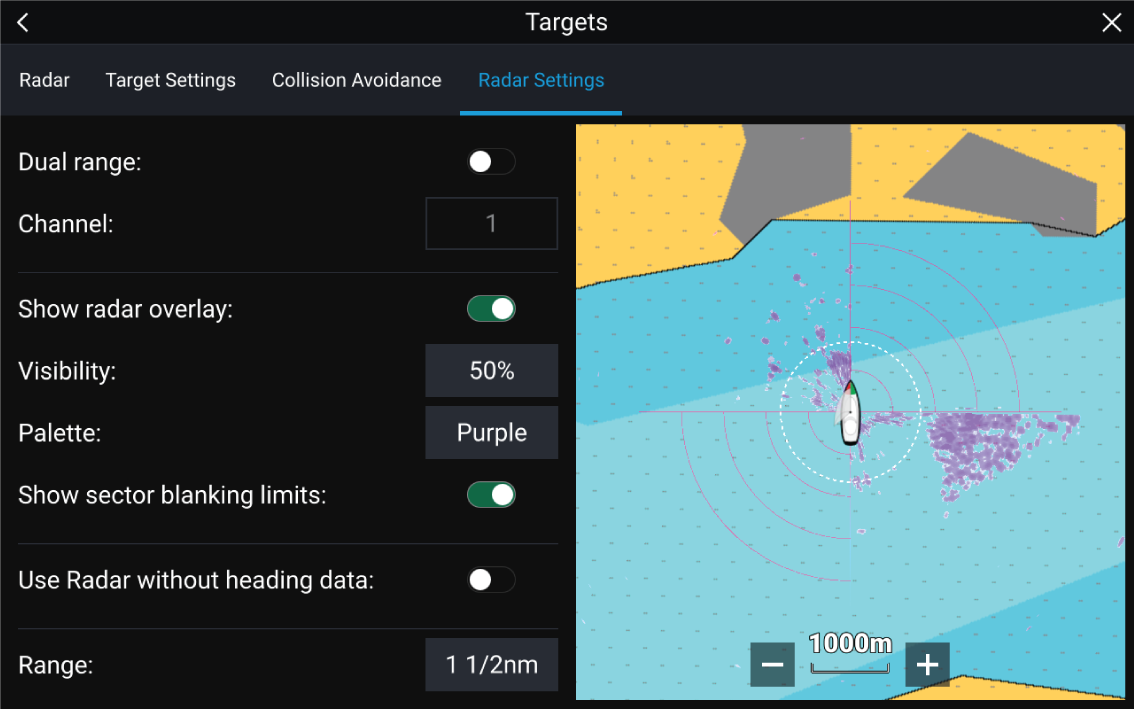
Blank sectors can be enabled / disabled on the radar overlay in the Chart app:
For more information refer to Radar settings