Touchscreen only controls
Chartplotters that do not have physical buttons are controlled using the touchscreen and the power swipe area.
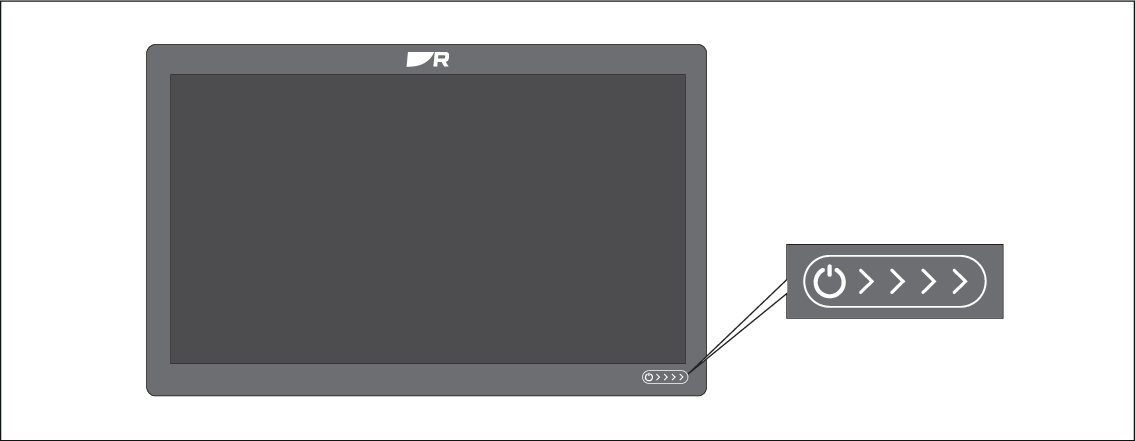
Power swipe area — Swipe your finger from left to right across the power swipe area to switch on the display. When switched on swipe again to open the shortcuts page.