DST speed calibration
STW (Speed Through Water) can be calibrated on DST–series transducers, by performing a sea trial calibration.
Before calibration can be performed you must use the Airmar app to enable the Attitude PGN 127257.
The calibration settings can be accessed by selecting the DST transducer from the Network list and selecting Calibrate from the pop-over options; then select the Speed button to display the calibration options.
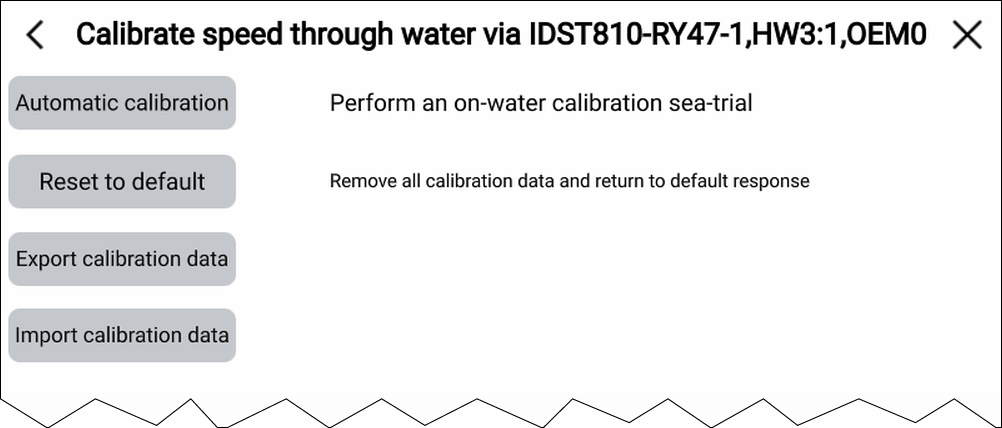
Calibration Automatic STWDST810The following options are available for the DST810 transducer:
Speed CalibrationAutomatic calibration — Perform an on-water calibration sea trial.
Speed Reset to defaultReset to default — Remove automatic calibration data and return to default response.
Speed Export calibration dataExport calibration data — Save the current calibration data to a memory card.
Speed Import calibration dataImport calibration data — Restore calibration data previously saved to a memory card.