Adding a route leg to an auto-route
Route legs can be added to the first and last waypoints in an auto-route.
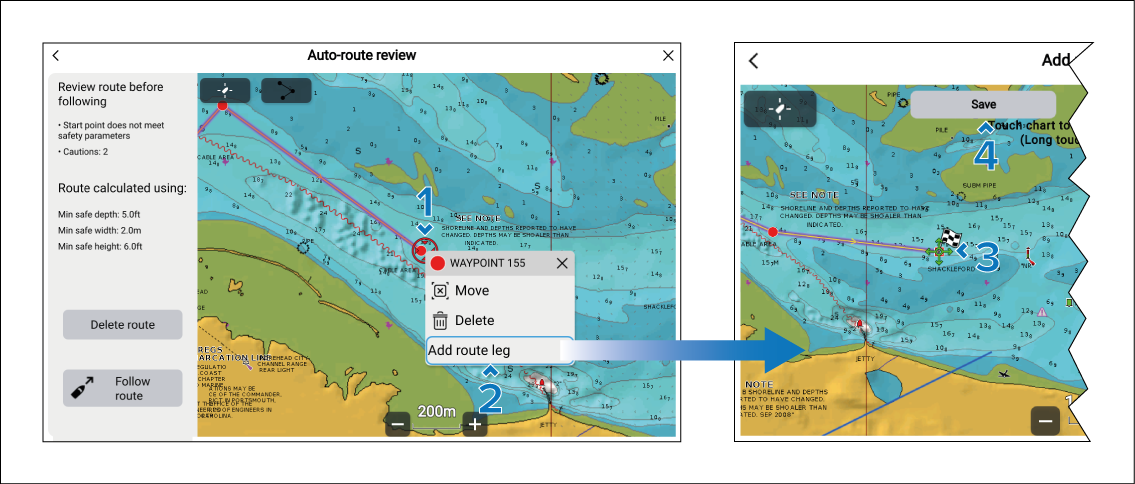
From the Auto-route-review menu:
- Select and hold on the first or last waypoint in the route.
- Select the Add route leg option from the context menu.
- Move the cursor to the location for the new first or last waypoint.
- Select the Save button.
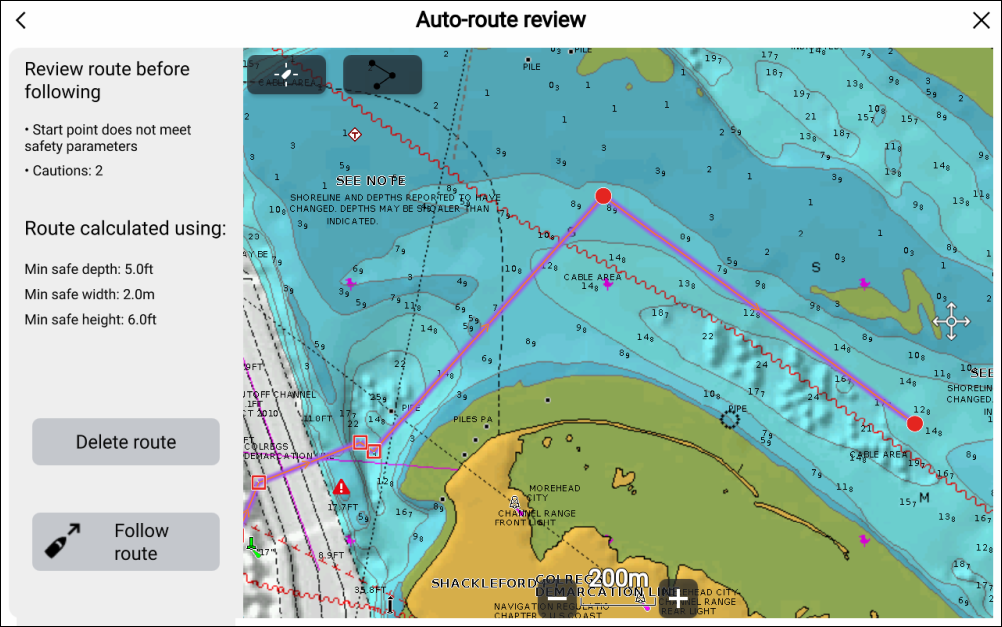
Important
You must ensure that new roue legs are safe to navigate. When a route leg is added, the system assumes that it is safe to navigate. If there was a caution symbol next to the waypoint the leg was added to it will be removed.