Alarms manager
The alarms manager is used to configure available alarm’s settings, view details of currently active alarms and provides an alarms history.
Active alarms
Alarms manager Active alarmsThe alarms manager can be accessed by selecting the Alarms icon on the Homescreen.
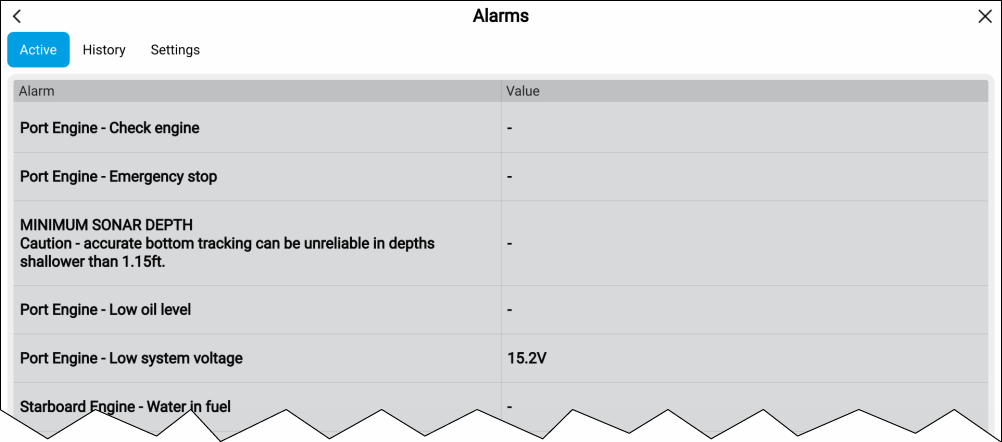
Figure 1. Example: Active alarms list
The Active alarms tab lists all alarms that are currently active. Alarms will remain active until the conditions that triggered the alarm is no longer present, e.g.: a Shallow depth alarm will automatically dismiss when the depth becomes deeper.
Alarm history
Alarms manager Alarms history
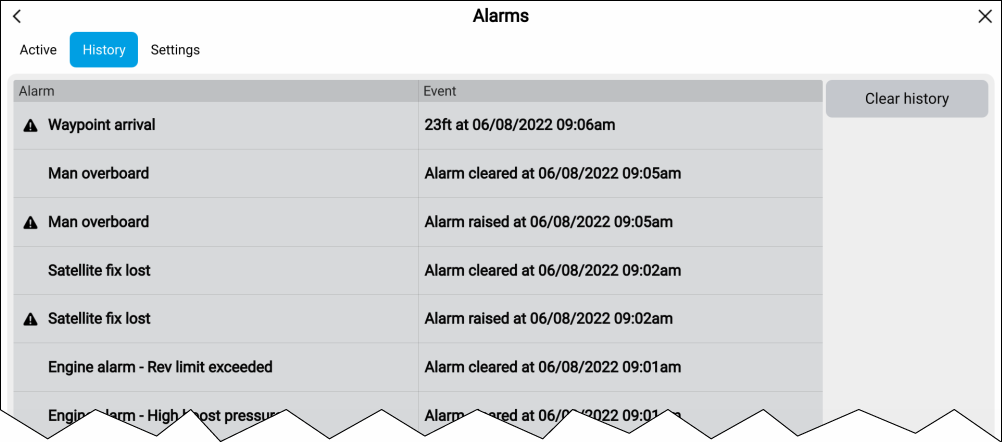
Figure 2. Example: Alarm history tab
All Dangerous (Red) and Warning (Orange) alarms will appear in the alarms history list. The history list will include an entry for the alarm being triggered (raised) and also for when the alarm is acknowledged (cleared). The alarm field contains the name of the alarm and the events field contains details of the alarm condition and its time and date.
Alarm events will remain in the alarms history list until cleared. The list is cleared by selecting Clear history.
Alarms settings
Alarms manager Alarms settings
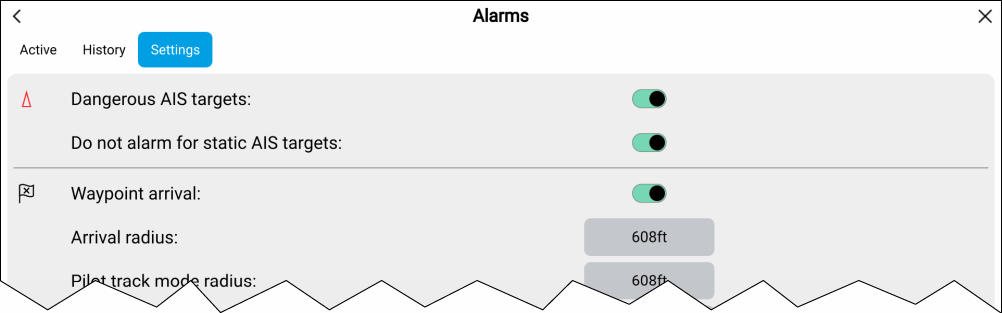
Alarms settings can be configured from the alarms settings tab.