You will need to turn your vessel in slow circles
while the system automatically makes adjustments to account for compass
deviation. Each 360-degree circle should take no less than 2 minutes,
and you should complete at least 2 circles.
CalibrationCompassCompassDeviationIt
is recommended that a second display or MFD is used to display heading
data, whilst performing the Compass Swing.From the Transducer Set-up menu: Menu > Set-up > Transducer
Set-up
Select Continue.
A list of connected devices is displayed. (e.g.: iTC-5, DST, or transducer
pod).
Select iTC-5.
A list of available transducers is displayed.
Select Compass.
Swing compassSelect Swing
Compass.
Start moving vessel in slow even circles, then press Start.
Keep vessel speed below 2 knots. Watch the display to ensure
your turn rate is not too fast. If the message ‘Slow Down — turn
rate too fast’ is displayed, reduce your rate of turn; this can
be achieved by slowing down and / or steering in a wider circle.
If the 'Slow Down — turn rate too fast'
message is displayed, the current circle will have to be repeated.
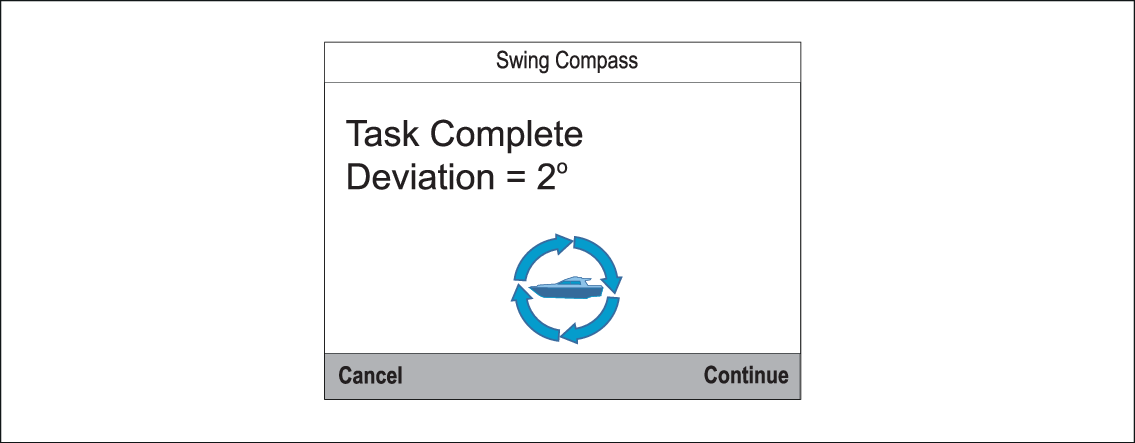
When the Compass has been successfully calibrated,
a message will be displayed showing the detected compass deviation.
If the deviation is greater than 15 degrees, you will need
to relocate the Compass farther away from metal items or items that
may cause interference, then repeat the calibration process. If you
still find a deviation of more than 15 degrees, contact your Raymarine dealer for advice. If the deviation
is within acceptable limits, press Continue.