Changing the radio region
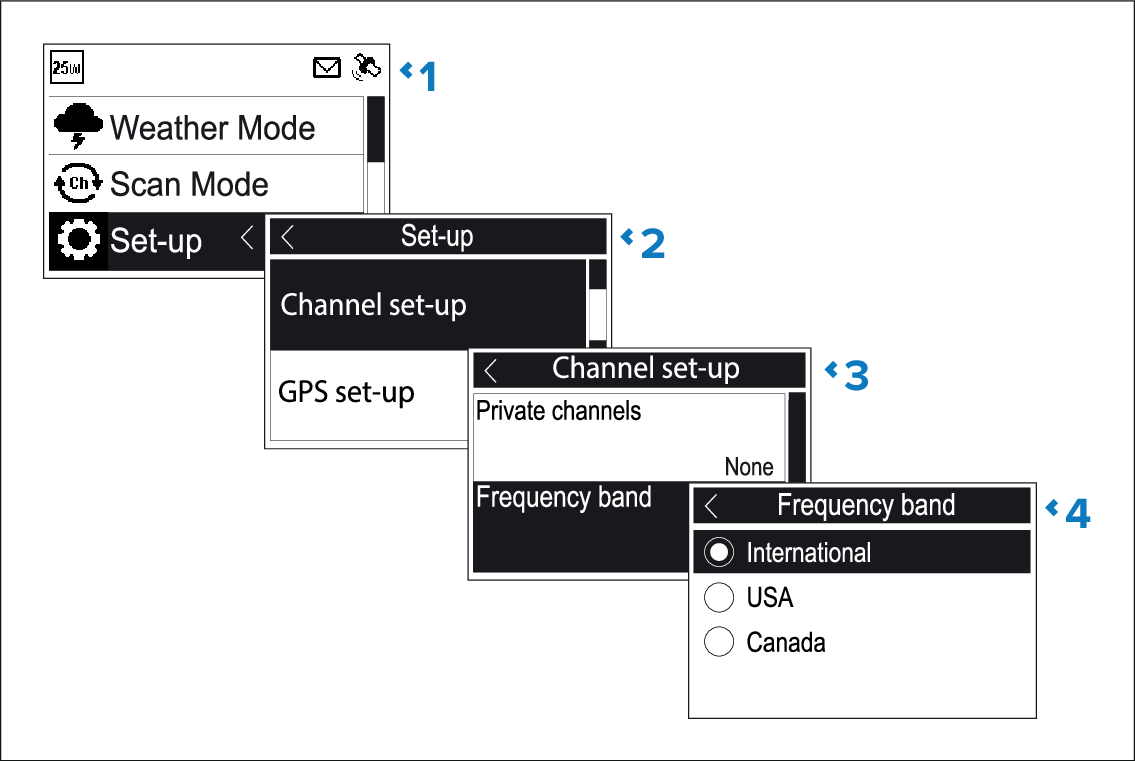
Prior to using the radio you must set the Frequency
band to the region your radio will be used in.
From the Main menu:
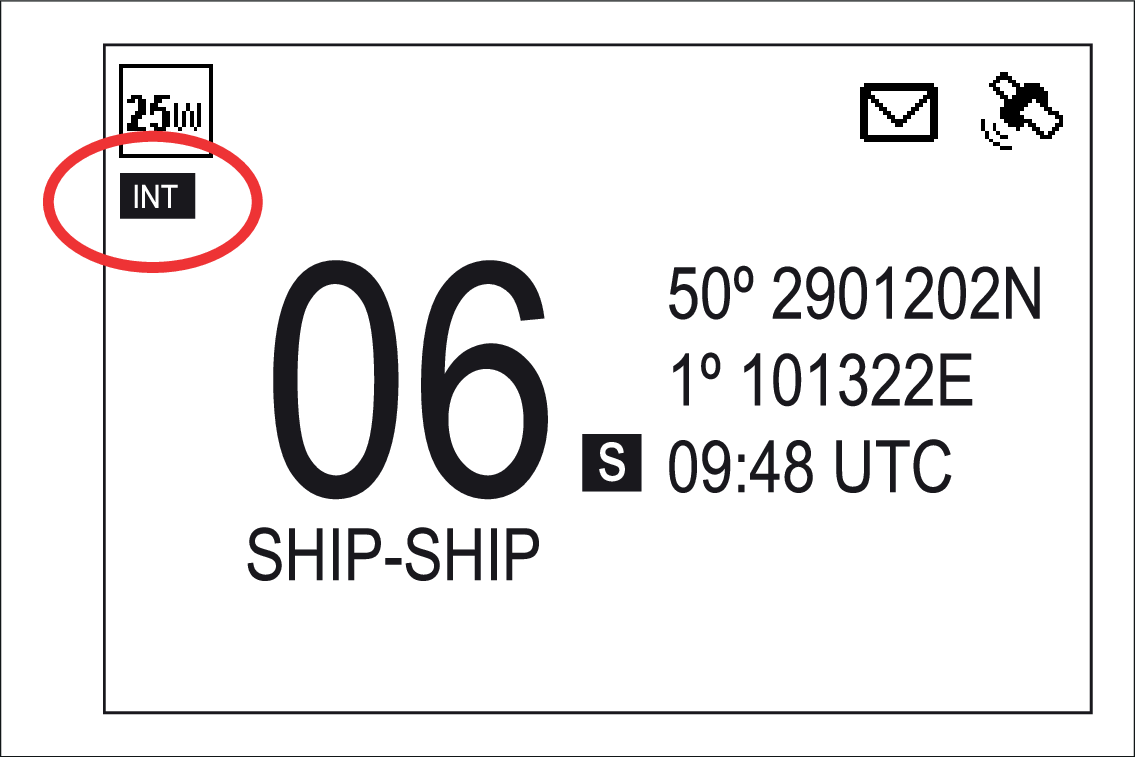
An icon is displayed on the Homescreen that identifies which region has been set.
From the Main menu:
An icon is displayed on the Homescreen that identifies which region has been set.