Overview
The Marine Video Analytics (MVA) feature alerts you when “non-water” objects are identified in the scene. Boats, obstacles, and navigation markers can all be automatically identified in a scene when this feature is enabled.
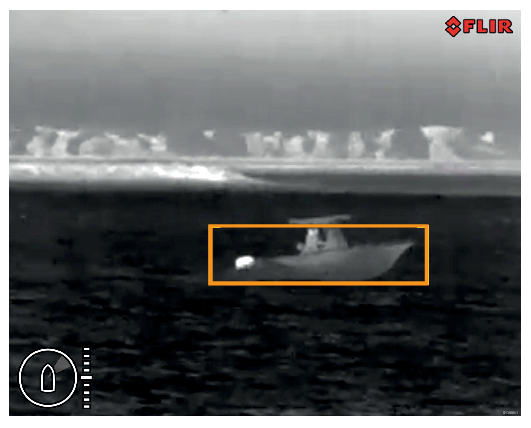
MVA performance is dependent on conditions, and is not a replacement for maintaining a visual watch.
Weather conditions can cause the target’s temperature, luminance, contrast or chrominance to be below a detectable range in relation to the background image. Therefore, the effectiveness of the MVA feature for distinguishing targets and non-targets is dependent on optimal scene conditions. It is recommended that:
The visible image is adjusted to contain good color, brightness and contrast;
The Threshold setting in the Video Analytics menu is adjusted to ensure that irrelevant regions such as sun glare are excluded from the object detection.
MVA can be activated using:
The camera’s Web interface.
The camera’s on-screen display, via a connected JCU.