Thermal camera image
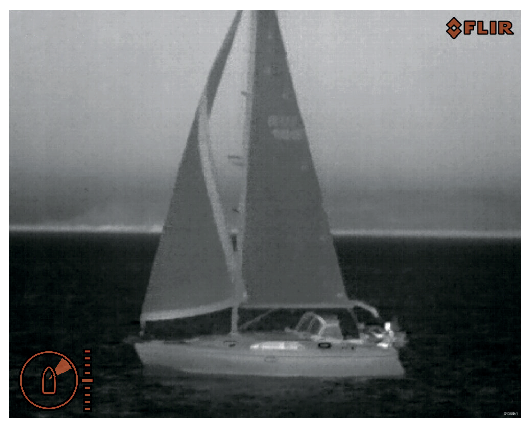
The IP-video feed comprises of:
The thermal image
Status icons
You should take time to familiarize yourself with the thermal image. This will help you to make the most of your system:
Consider every object you view in terms of how it will look “thermally”, as opposed to how it looks to your eye. For example, look for changes caused by the heating effect of the sun. These temperature changes are particularly evident immediately after sunset.
Experiment with different palettes and scene presets.
Experiment by looking for hot objects (such as people), compared to the colder surroundings.
Experiment with the camera for daytime viewing. The camera can provide improved daytime viewing in environments where traditional video camera performance suffers, such as in shadows or backlit scenes.