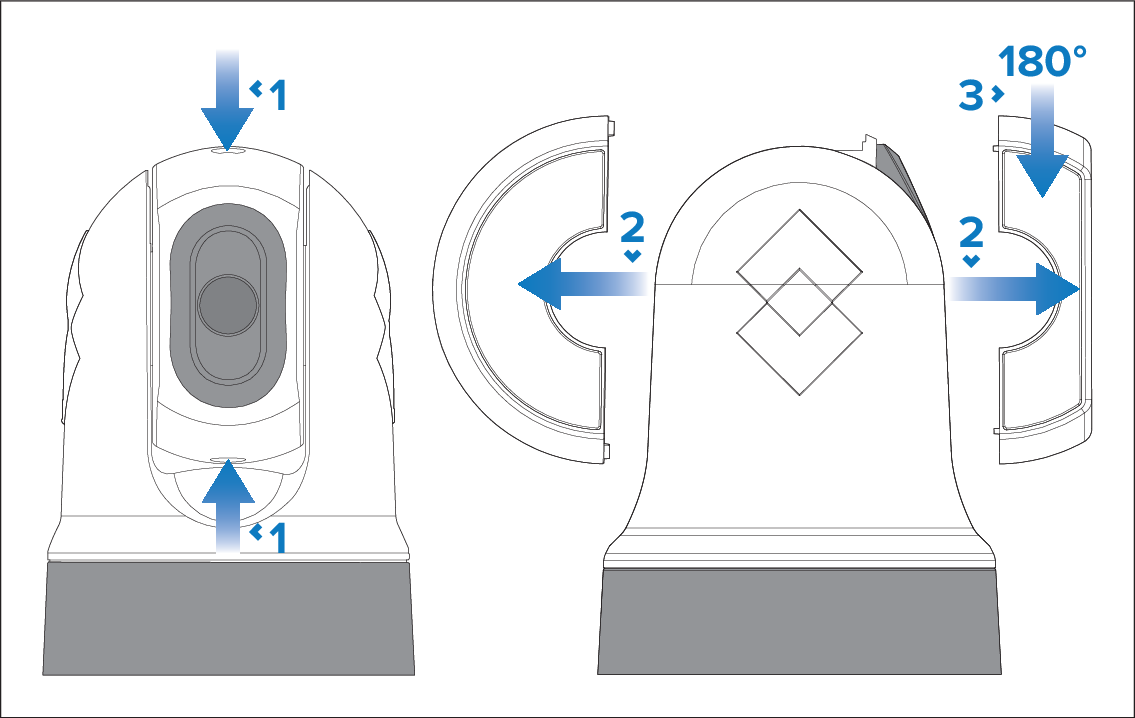
Ball-down (upside down) mounting: rotating the front cover
If you intend to mount your camera in the ball-down (upside down) mode, you must first rotate the camera’s front cover so that the drain hole is facing down when it is mounted.
Important
Use caution when attempting this procedure; there is a risk of water ingress and potential resulting damage to the camera if the cover is not reassembled correctly — the drain hole MUST be facing down when mounting the camera upside down.