Removing the buttons
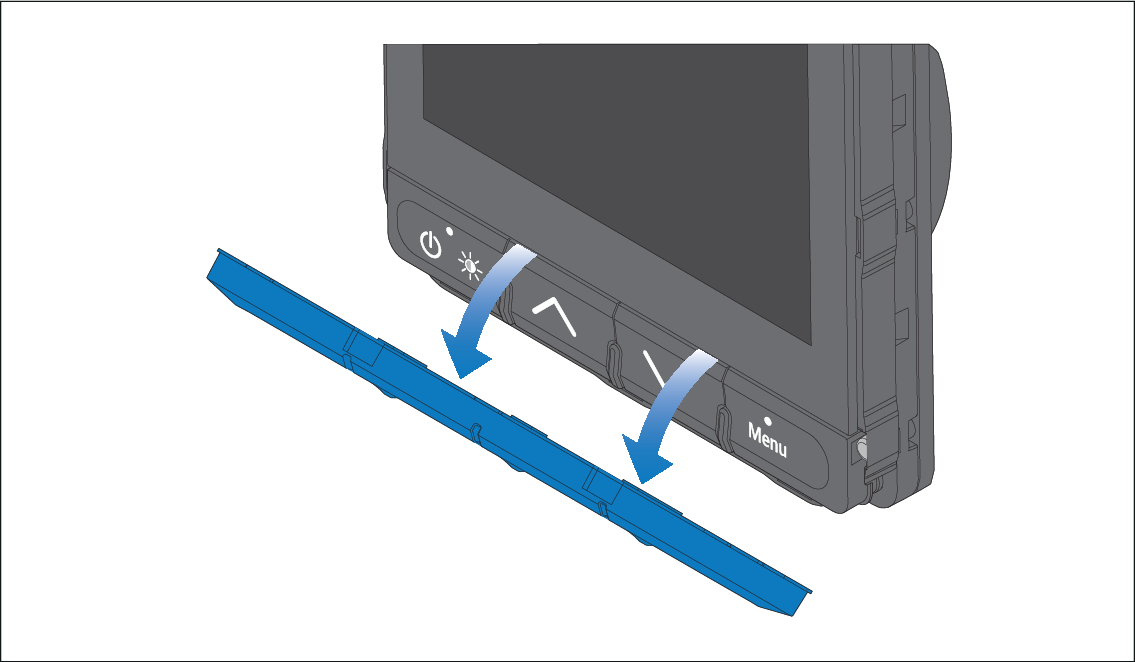
To remove the buttons from the display follow
the steps below.
Important
Ensure that you do not bend the buttons during removal as this may prevent the buttons from fitting correctly.
- Remove the bezel following the instruction found here: Removing the bezel
- Using your thumbs and index fingers, grip the bottom left and right edges of the buttons and twist downwards so that the top of the buttons are released first.