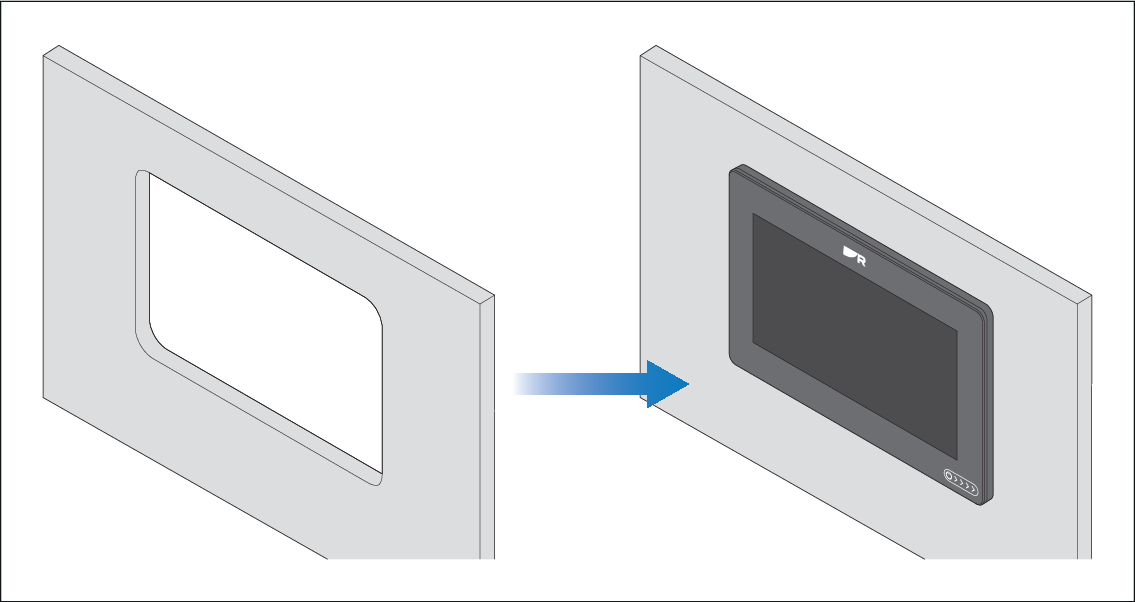
Preparing the mounting surface — surface mounting
Surface mounting requires one cut-out hole. When the display is surface mounted, the glass / bezel will protrude from the mounting surface.
InstallationSurface mountingMounting surface preparationMountingSurface mountingMounting surface preparationSurface mountingMounting surface preparation
Note
The following procedure is for preparing the mounting surface for surface mount installations. For flush mounting preparation instructions, refer to:
Important
Before preparing the mounting surface, ensure that:
Your selected location meets the location requirements. For details, refer to:
You have identified cable connections and the route that the cables will take.
Installation Surface mountingSurface mounting