Adjusting locked heading
In Steer to Heading mode the remote can be used to change the locked heading.
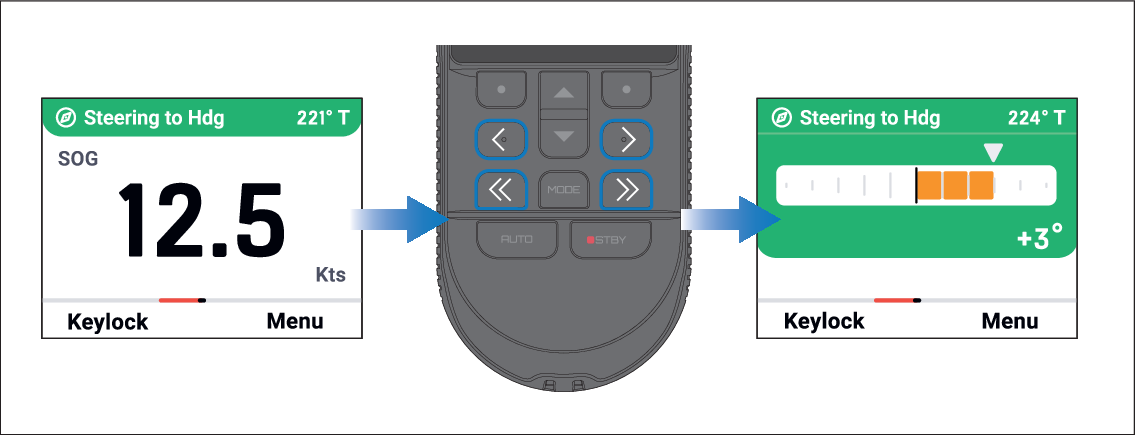
Use the adjustment buttons to change the locked heading:
< (Left 1°) — Each press will change the locked heading by 1° to the left.
<< (Left 10°) — Each press will change the locked heading by 10° to the left.
> (Right 1°) — Each press will change the locked heading by 1° to the right.
>> (Right 10°) — Each press will change the locked heading by 10° to the right.