Page settings menu
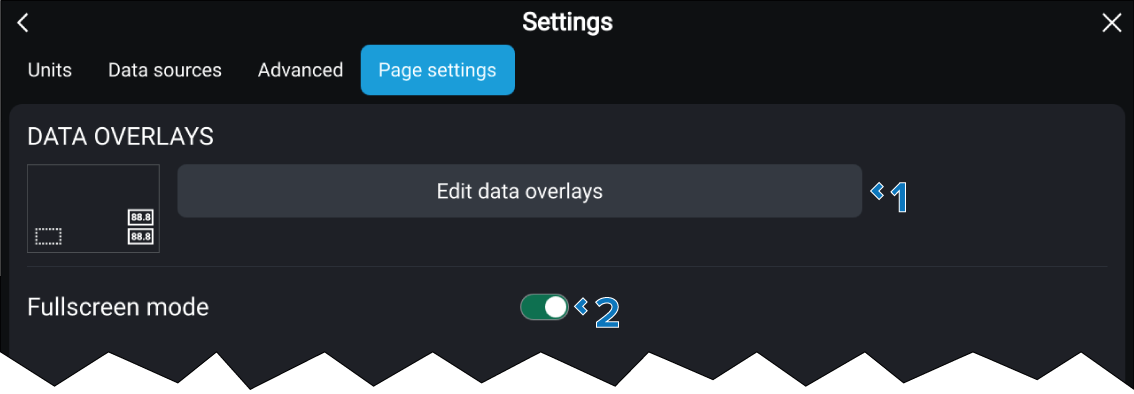
The Page settings menu allows you to configure data overlays and whether the onscreen icons auto hide.
Description |
|
|---|---|
1 |
Edit data overlays You can add data overlays to the app. For more information refer to: Data overlays |
2 |
Fullscreen mode When Fullscreen mode is enabled the onscreen icons will auto hide. |
Note
The ratio of splitscreen data app pages cannot be altered.