Hiding data pages
Data pages can be hidden so that they do not appear in the current instance of the data app.
Data appHiding pagesFrom any data page:
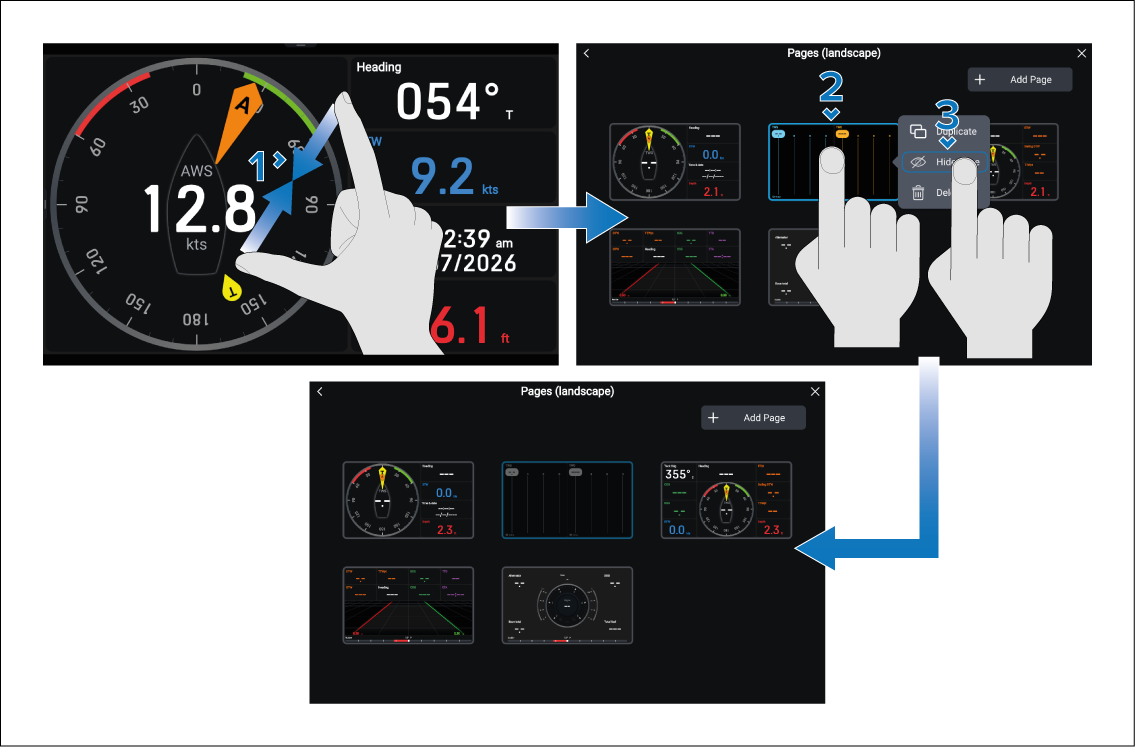
The hidden page will be grayed out in the Pages menu and will no longer appear when scrolling through pages in the current instance of the data app. The page will still be visible in existing and new data app pages.
Data appShow pageYou can show the page again by following the steps above but selecting the Show page option in the pop-over menu.