Demo mode
Demo mode can be used to demonstrate the capabilities of the remote independently of a network connection.
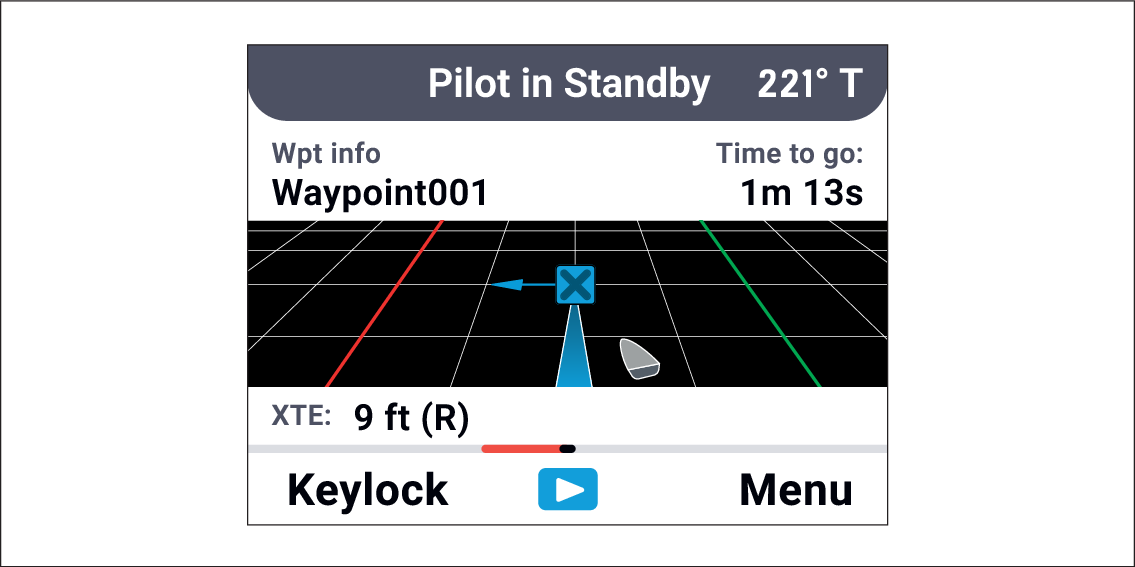
Simulated dataDemo modeDemo mode populates the remote’s pages with simulated data. The simulated data will be shown instead of any live data the remote is receiving.
Note
You cannot enable Demo mode while the autopilot is engaged.
You cannot control the autopilot while Demo mode is enabled
While Demo mode is enabled the remote’s pages will show the Demo icon at the bottom of the screen.
Demo mode can be enabled and disabled from the Settings menu: .