Basic controls
You can switch between data pages by either swiping to the left or right.
Data pages will loop if you reach either the start or end and continue to swipe left or right.
Once your last data page has been reached, swiping to the left or right again will cause the selected page to loop back to the start.
Getting startedBasic controlsBasic controls
Swipe left (change page) |
Swipe right (change page) |
|---|---|
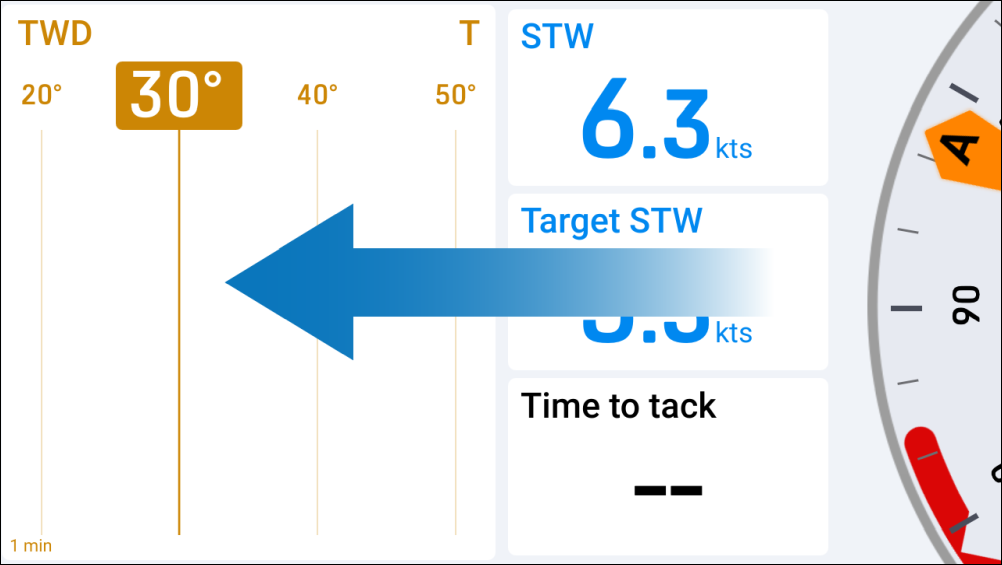 |
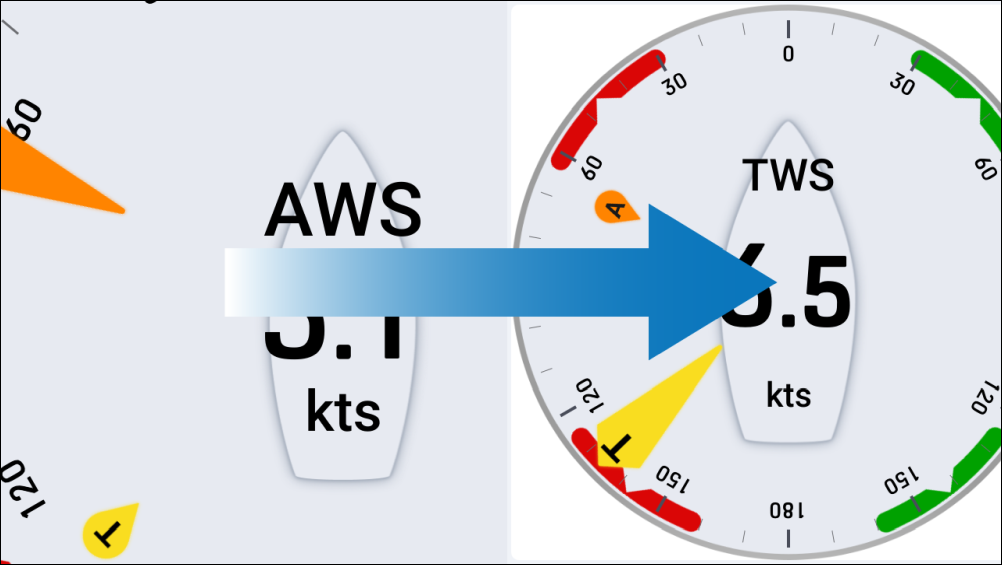 |
Each of the display’s default pages, user preferences and settings can be customized by selecting one of the options available via the Overlay menu, which appears when swiping downward from the top edge of your screen. The Overlay menu and other pop-ups can be dismissed by either swiping upward from the bottom edge of your screen (Overlay menu only), by tapping outside of the window, or by waiting for an automatic time-out to occur.
Swipe down (open overlay) |
Swipe up / tap off / automatic time-out (dismiss overlay) |
|---|---|
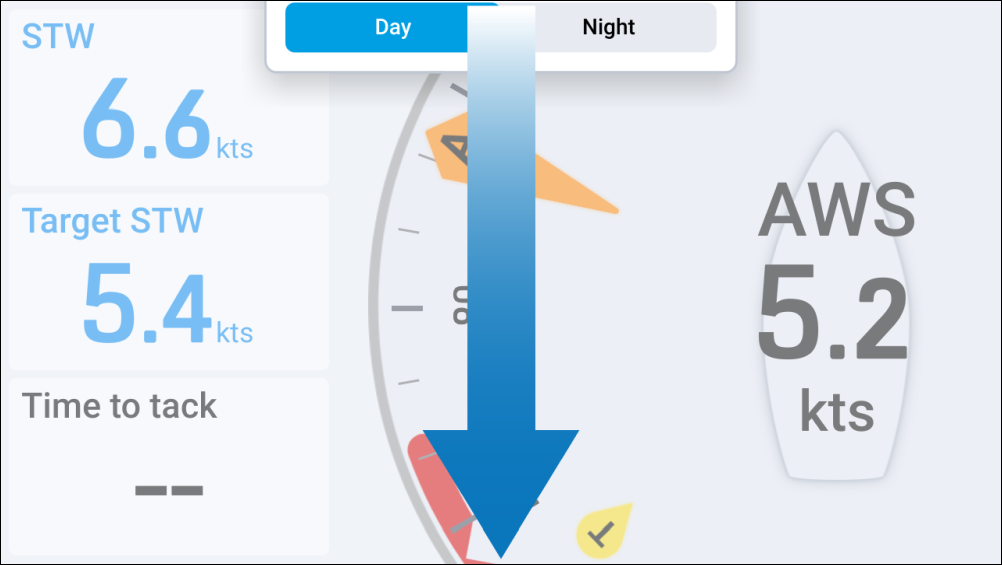 |
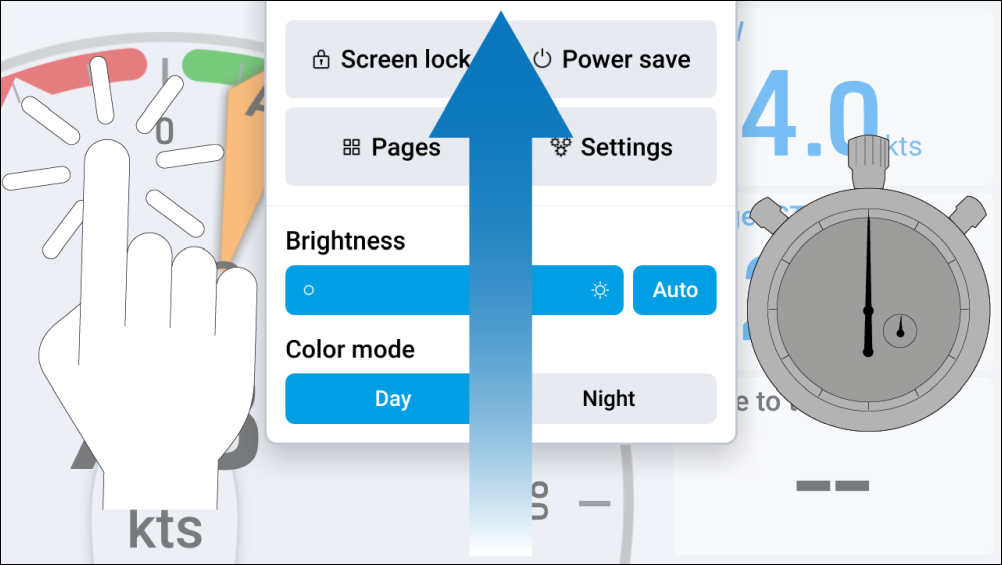 |