Camera widget
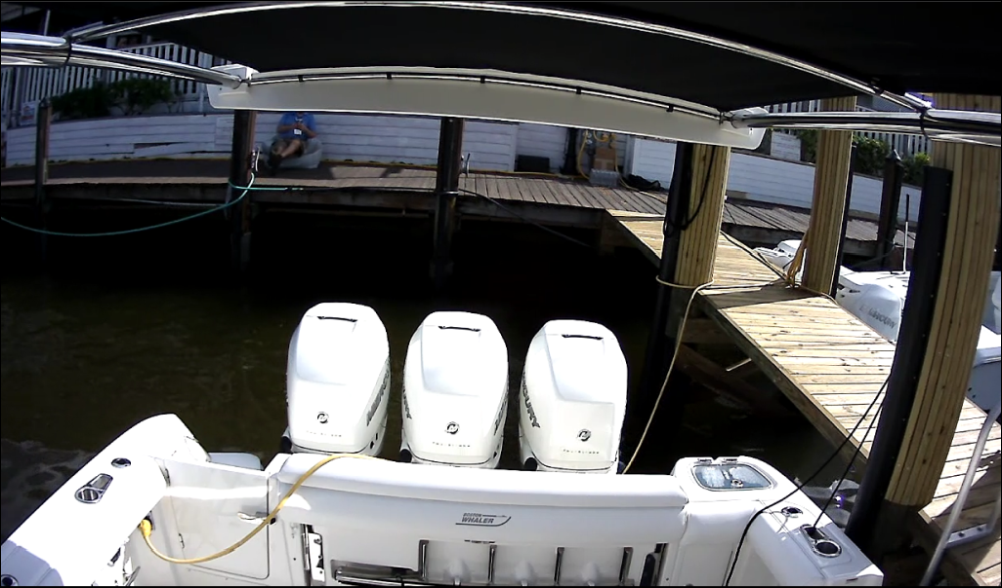
The Camera widget option provides a live camera feed from a compatible IP camera connected to your multifunction display / chartplotter network. The Camera widget can be further customized to suit your preference.
Note
A maximum of 4 Camera widgets can be created per data page.
Pan and tilt camera controls cannot be used via the Camera widget on your performance display. In order to pan or tilt your camera, a compatible multifunction display / chartplotter or Joystick Control Unit (JCU) must be used.
Example: Camera widget (fullscreen)