Video app
The Video app allows you to view and record feeds from compatible video equipment, such as IP cameras or Thermal cameras. For more information, refer to: Video app
Video appMFD appsVideo appThe following icons are used to represent Video app pages on the Homescreen:

Figure 1. Generic video app page icons
Video classic icon — This icon is used for all Video app pages when the Homescreen icons setting is set to Classic icons.
Video mode icon — This is the default icon used when the Homescreen icons setting is set to Mode icons.
When the Homescreen icon setting is set to Mode icons, the Video app page icons on the Homescreen will update to reflect the type of camera / input feed that has been chosen in the Video app settings menu. The following app page icons may be shown on the Homescreen:
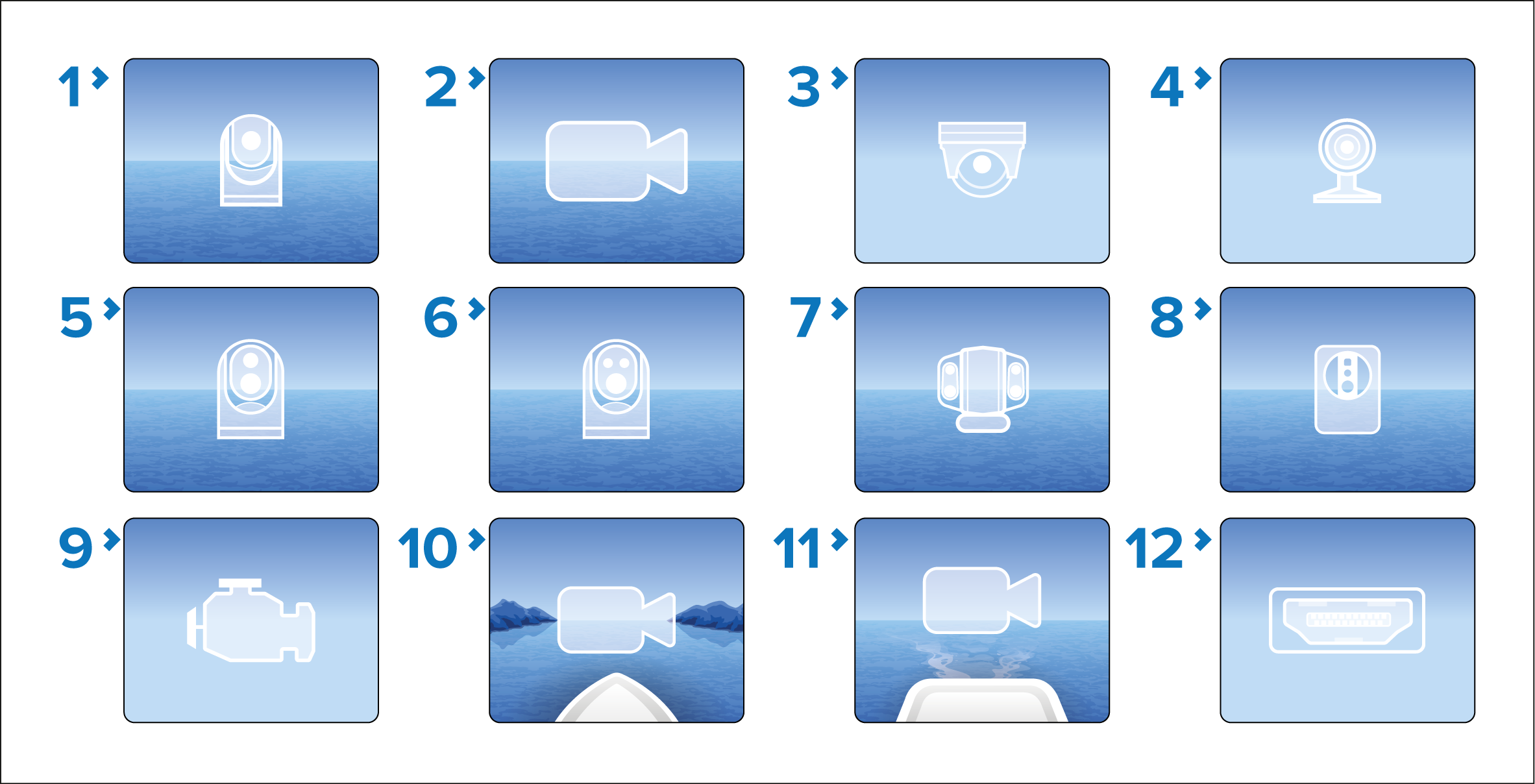
Figure 2. Feed-specific video app page icons
Generic camera icon.
Analog camera icon.
CAM220IP camera icon.
CAM200IP camera icon.
T400 thermal camera icon.
M400-Series thermal camera icon.
MU-Series thermal camera icon.
AX8 / MTMS thermal camera icon.
Engine camera icon.
Front view camera icon.
Rear view camera icon.
HDMI input feed icon.
When the Video app is opened, if only an HDMI input connection is detected or the HDMI input feed is selected, the Homescreen app page icon will automatically update to use the HDMI icon. No user selection is required.
Feed-specific app page icons require LightHouse v4.9.37, or later.