Use Autorouting during route creation
When using compatible cartography, you can use auto routing from within manual route build mode to add route legs.
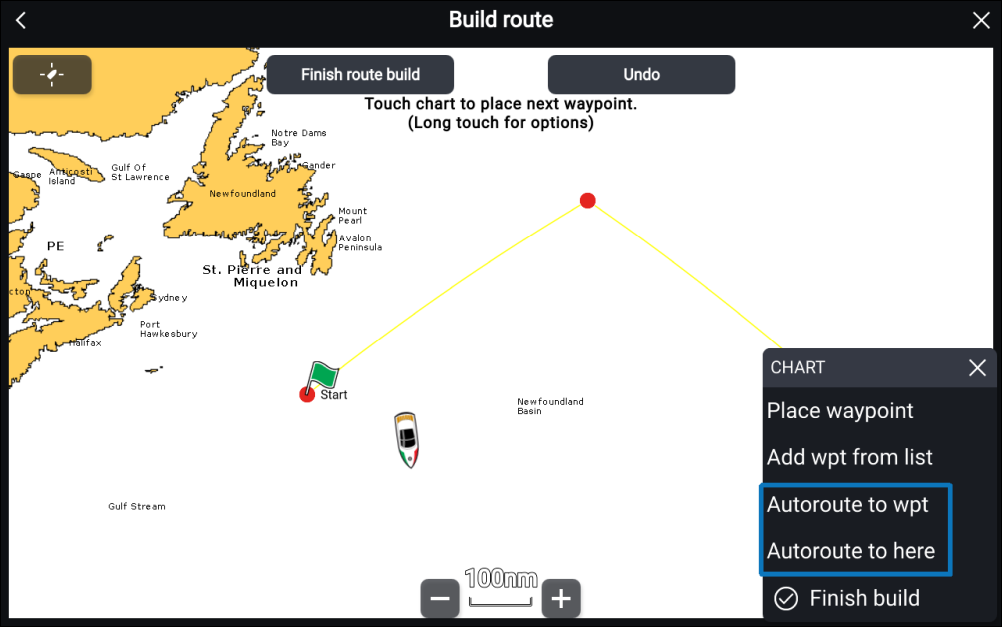
From route build mode:
Press and hold anywhere on screen and select either Autoroute to wpt or Autoroute to here.
Selecting Autoroute to wpt will allow you
to select a waypoint from your Waypoints list to include in your route,
selecting Autoroute to here will create a route
leg to the cursor’s current position.