Selecting a transducer iTC-5
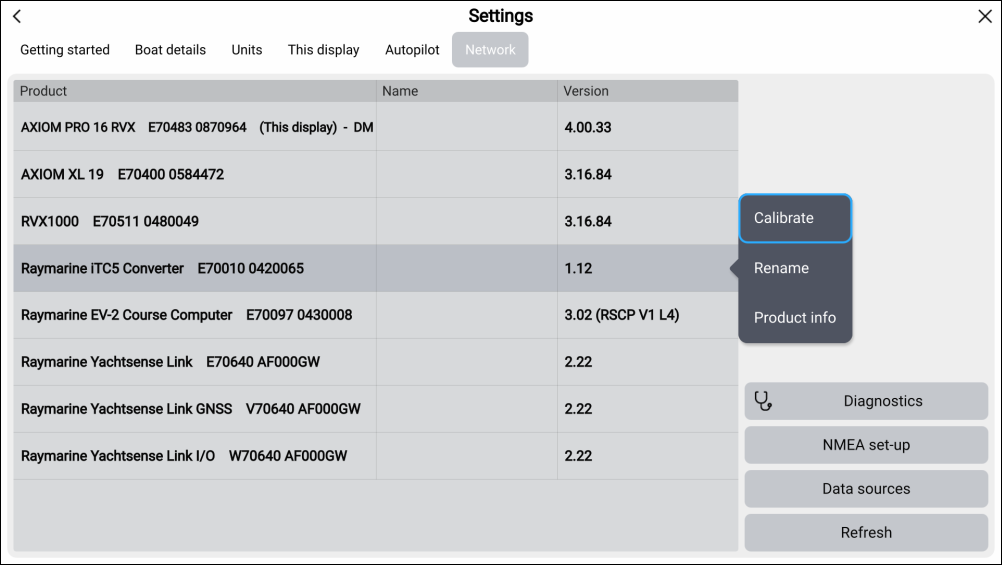
To calibrate instrument transducers, find the relevant iTC-5 from the list of devices connected to your MFD’s network.
- Select Calibrate from the pop-over menu..
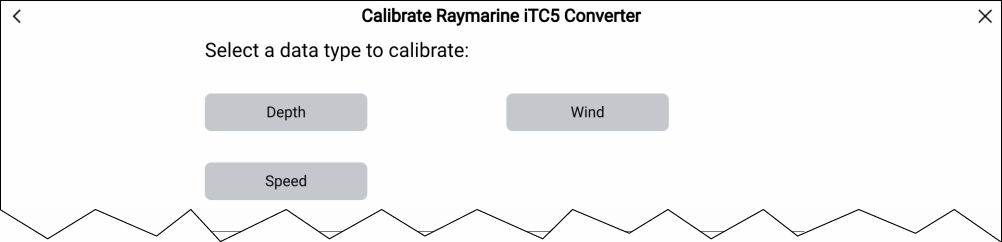
- Select the transducer type (either Depth, Wind or Speed).
To calibrate instrument transducers, find the relevant iTC-5 from the list of devices connected to your MFD’s network.