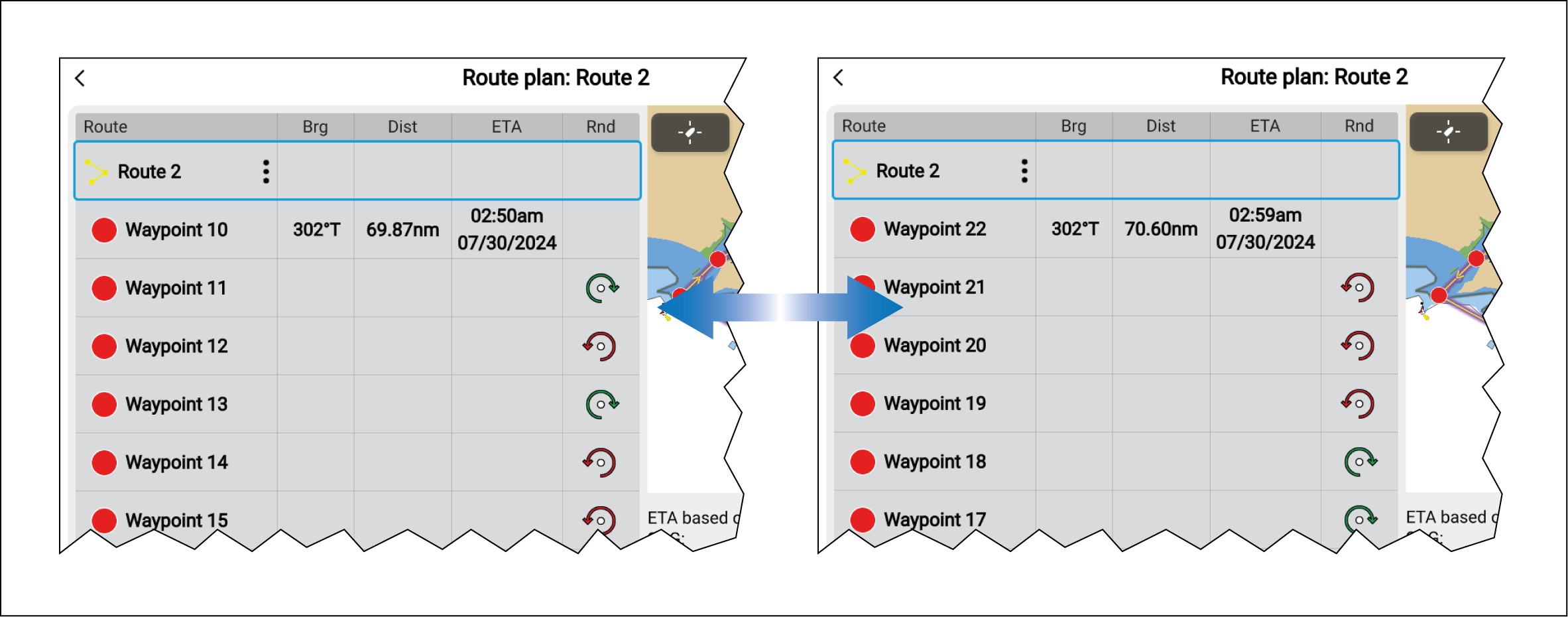
Reversing a route
Routes can be reversed, swapping the start and end points so that they can be followed in the opposite direction.
RoutesReversingWith the route shown onscreen:
- Select and hold on any route leg.
- Select Route details from the context menu.
- Select Reverse from the Route plan.
The start and end waypoint in the route will be swapped meaning the route can be followed in the opposite direction. If Rounding directions have been applied to waypoints within the route, these will also be reversed.