3D Vision channel controls
When using the 3D Vision channel you can manipulate the view using touch gestures.
3D VisionControls
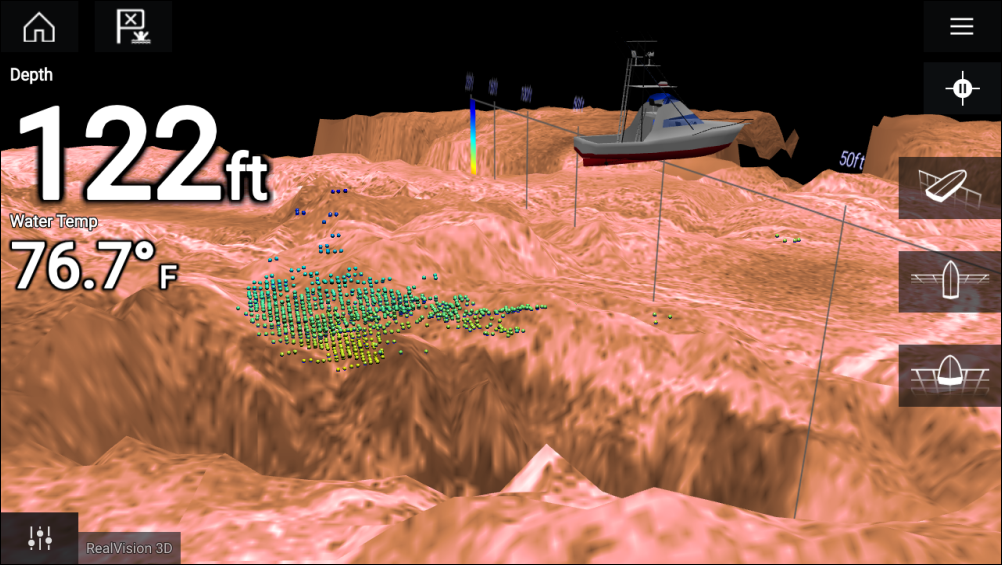
Touchscreen controls
One finger swipe rotates the image.
Two finger swipe pans the image around the screen.
Pinch-to-zoom changes the magnification of the image.
The Range control determines how far the sonar will ping.
Press and hold onscreen to display the context menu
Physical buttons
Ok button pauses Sonar scrolling.
Back button resumes Sonar scrolling.
Ok button when paused opens the context menu.
Use the Uni-controller’s Directional (Up, Down, Left, Right) controls to rotate the image.
Use the Uni-controller’s Rotary control or a RMK’s Range In and Range Out buttons to Range in and out.