Radar modes
The Radar app provides preset modes that can be used to quickly achieve the best picture depending on your current situation. Only Radar modes supported by your Radar scanner are shown.
RadarModesTo change Radar mode select the required mode from the Radar app menu.
Modes are not available on legacy Digital radomes (non-HD).
For the list of modes available with your radar scanner refer to: Radar feature comparison
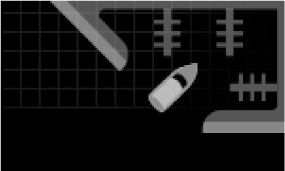 |
HARBORHarbor mode Harbor mode takes into account land clutter that is typically encountered in a Harbor, so that smaller targets are still visible. This mode is useful when navigating in a Harbor. |
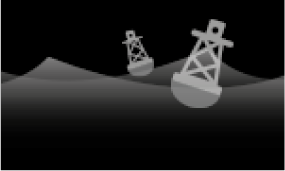 |
BUOYBuoy mode Buoy mode enhances the detection of smaller targets such as mooring buoys, and is useful at ranges up to 3/4nm. |
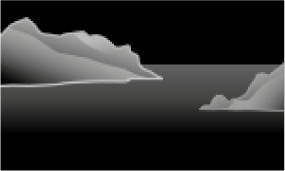 |
COASTALCoastal mode Coastal mode takes into account slightly higher levels of Sea clutter that are encountered out of Harbor areas. This mode is useful when in open water but keeping to coastal areas. |
 |
OFFSHOREOffshore mode Offshore mode takes into account high levels of Sea clutter so that targets are still visible, useful when navigating in open water away from the coast. |
 |
BIRDBird mode Bird mode optimizes the display to help identify flocks of birds, useful when trying to locate a fishing area. |
 |
WEATHERWeather mode Weather mode optimizes the display to help identify precipitation, useful for helping determine weather fronts. |